
Private beta. Request a seat to discuss fit — checkout is not self-serve.
Build + Be Found + Systemize
Creytix is the AI Business OS.
One governed path from an idea to a live product — then we stay on: support, get found, hire, payroll, books, and tax guidance. Not a dashboard gallery.
- 01 Someone has an idea
- 02 It becomes a live product
- 03 We stay on after launch
SaaSI is deterministic intelligence: AI enters to learn, design, and implement, then exits routine work and leaves behind deterministic systems.

The plot starts here. Product screenshots sit below the story.
Platform principles
Secure & testable
Gates for security, tests, and quality before ship
Governed delivery
Version control, observability, and release control
Beyond prototype
Enterprise-ready products — not vibe-coded demos


 ExpediaParts
 Expedia Reman Transmissions
 Expedia Reman Engines
 EarnedStar
 AlignHeart
 AlignAlgo
 Gold Medal Injury
 House of Bid
 Sancochi
 Praxium Law
 Creytix
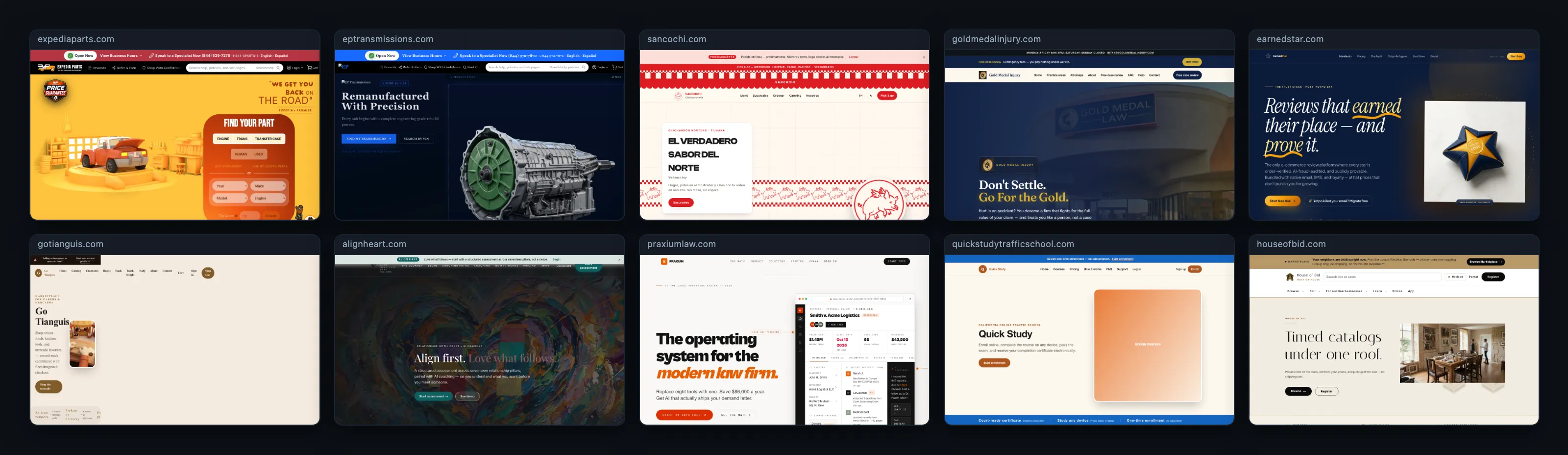
First-party sites Creytix builds and operates. See every site →

How it works
Build + Be Found + Systemize
Every business needs the same three things, in the same order, and almost never gets them from the same place. Creytix is one operating system that gets more deterministic the longer a business uses it.
- 1 · Build
Site Forge and the Creytix IDE turn an idea into a live site or app — no separate builder, host, or hand-off between the person who built it and the person who runs it.
- 2 · Be Found
SEO OS and GEO get that site discovered — by search engines and by the AI answer engines that are becoming the new front door to every business.
- 3 · Systemize
Takumi finds what repeats — the same replies, refunds, intake questions — and turns it into a tool you own, so the work stops needing an agent.
SaaSI
Software as a Service Intelligence
SaaSI is deterministic intelligence: AI enters to learn, design, and implement, then exits routine work and leaves behind deterministic systems.
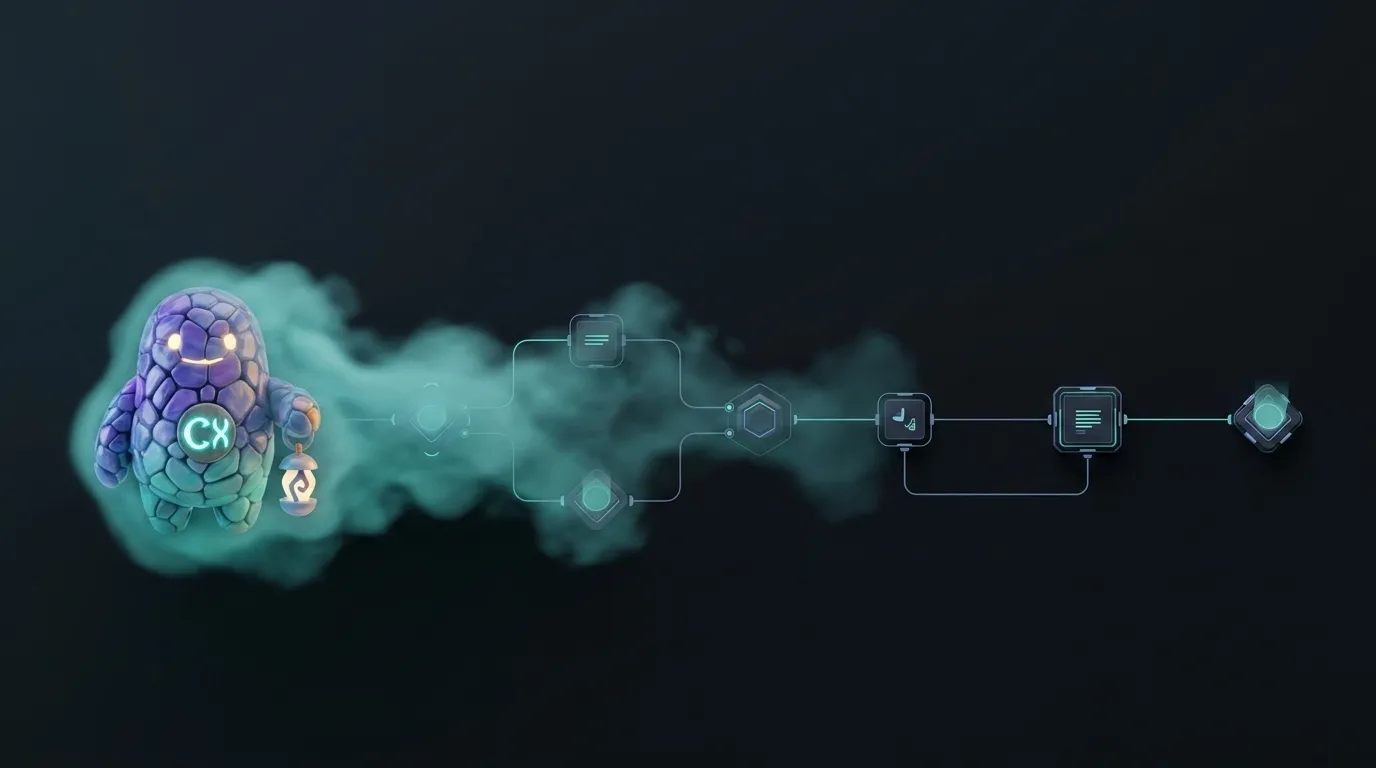
AI discovers patterns, designs the system, and installs it. Repeated work becomes software, rules, templates, workflows, dashboards, and tools. AI comes back only when novelty, ambiguity, or change requires it — not as a meter that never turns off.
Learn
Discover what actually repeats in how the business runs.
Design & implement
Install a deterministic tool natively in Creytix — not a bolted-on script.
Exit
Leave routine work to the system. Invoke AI again only when something new appears.
We don't leave
We grow with you
Creytix stays on the path after launch. The tools below are the same OS — no new vendor, no migration, no re-training your team.
Inspector and IDE use shipped Creytix marks. Remaining chips stay initials until the ICON_MATRIX family is finished — we do not invent Adobe-style product icons.
Support
Inspector watches the fleet. Mail keeps every inbox live. Chat connects the team. Shield runs the defensive scan.
SEO / marketing
SEO OS surfaces content gaps and index health. Social queues posts for human approval. Antenna keeps brand signals in one place.
More features
The IDE adds capabilities without changing vendors. Frontier Bind names and ships a scoped tool set for your site. Playbooks keep recurring flows deterministic.
Hiring
Creytix Workforce holds the directory, schedules shifts, tracks time-off, and feeds payroll-lite. Not a full ATS — it's the operational layer a small team actually needs.
Creytix Books is a double-entry engine (catalog: @creytix/books). Creytix Payroll covers timesheets and gross pay today — Wyoming-first, in-suite. Creytix Tax provides entity-structure guidance and phased e-file packs; confirm filings with your accountant. None of these replace Quicken, QuickBooks, ADP, or Gusto — they are Creytix catalog products built for the OS. Financing / loans are not part of this suite.

Sites we run
Logos of the websites Creytix actually services.
First-party portfolio — ExpediaParts, EarnedStar, AlignHeart, House of Bid, and the rest of the fleet we operate.
See every siteIn the OS today
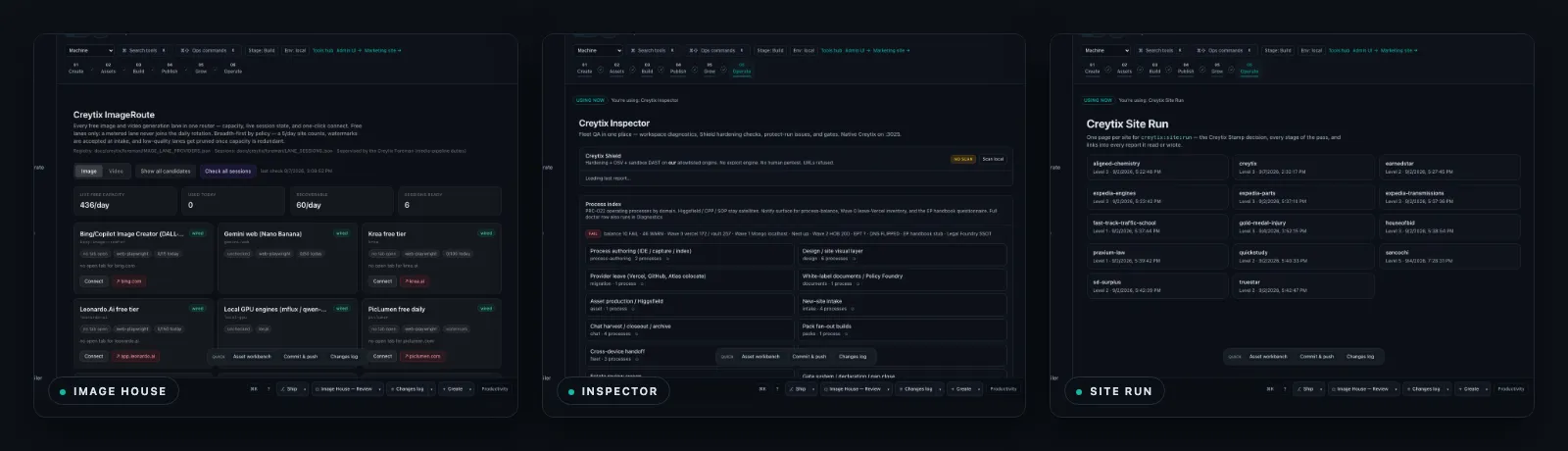
Tools the Business OS already ships
Named products with public pages — not a wish list. The full catalog, with design-tier labels, lives on Tools.
Build
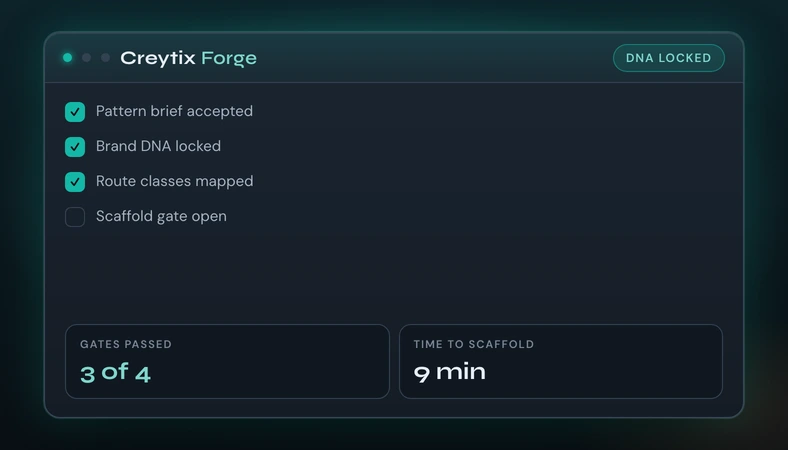
 Creytix Forge
Intake, scaffold, and Brand DNA gates for every new site.
Open →
Build
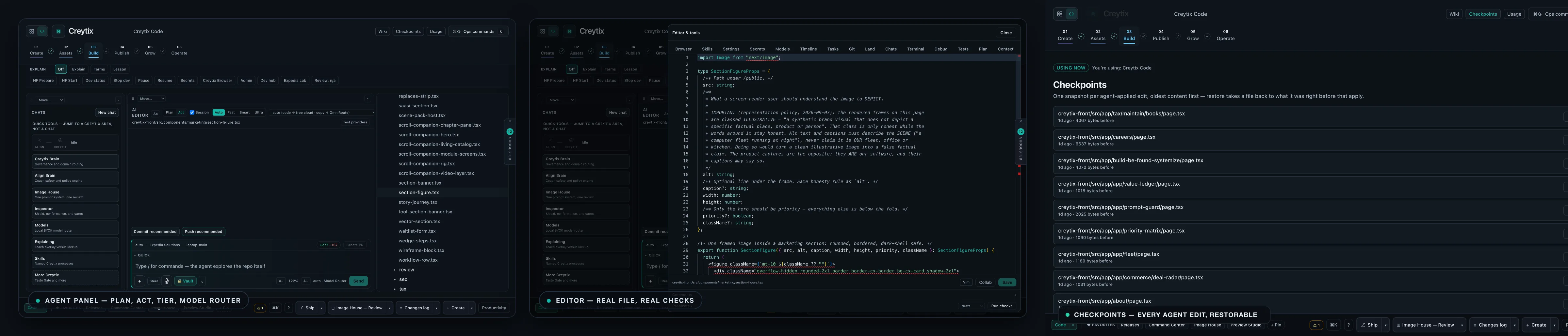
 Creytix IDE
The governed agent workspace — editor, agent panel, and Cursor Kit inside one IDE.
Open →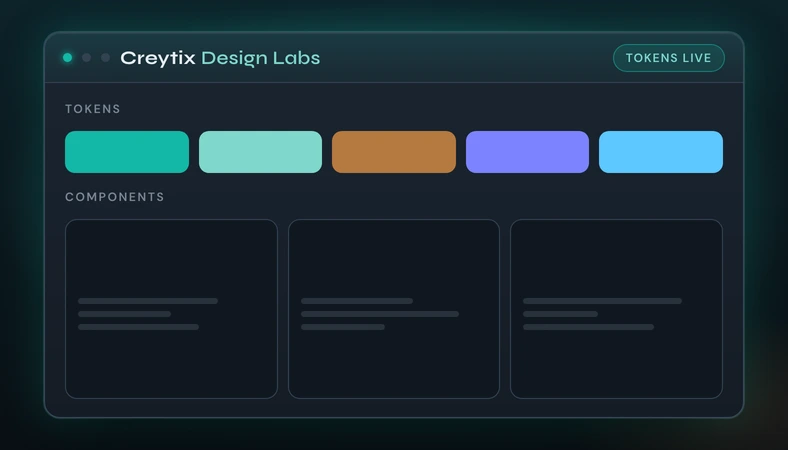
Build
 Creytix Design Labs
Tokens and design systems, code-native before pages ship.
Open →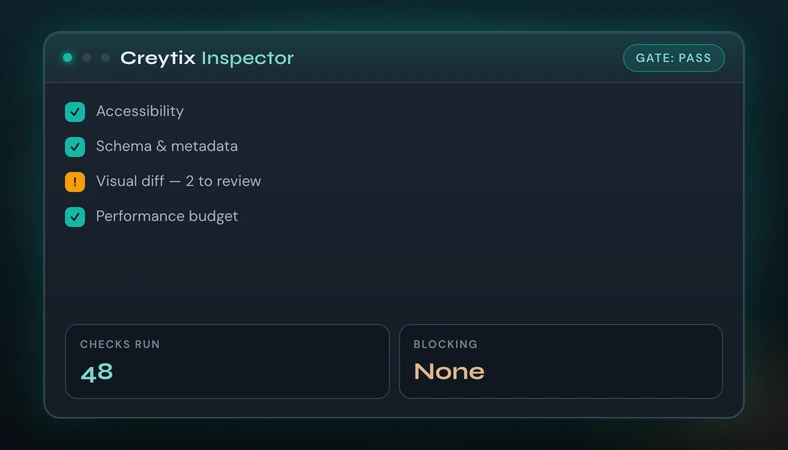
Build
 Creytix Inspector
QA, audits, and release gates before a change goes live.
Open →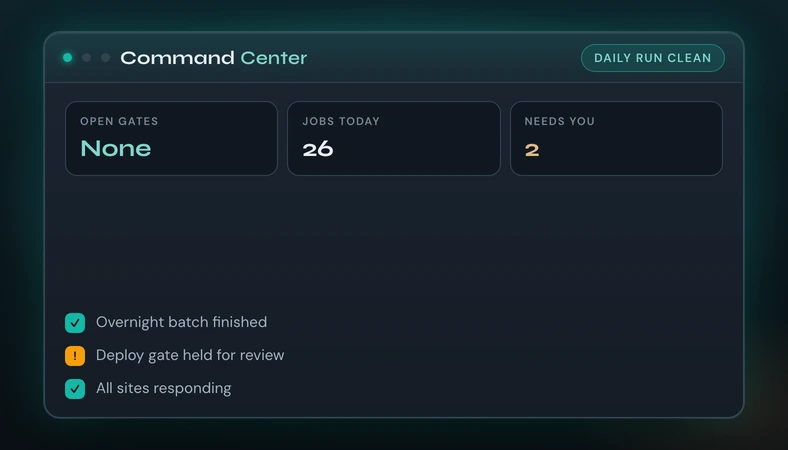
Systemize
Command Center
Operator hub for gates, inspect, and daily OS control — previewed on the platform page.
Open →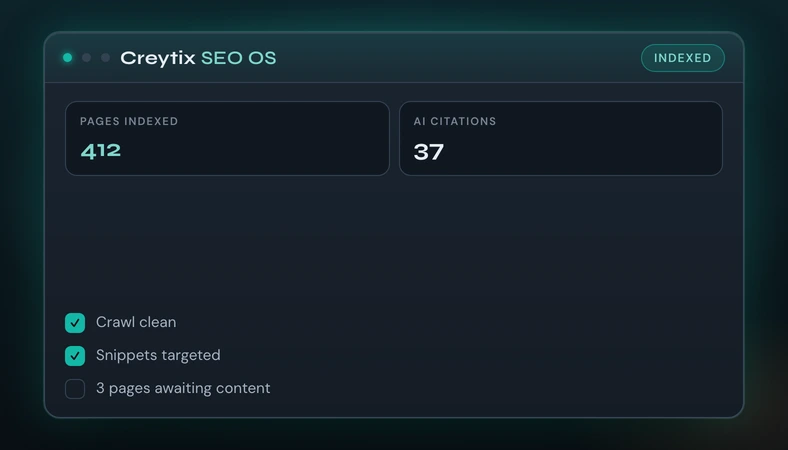
Be Found
Creytix SEO OS
Search Console ingest and gated programmatic pages — no paid SEO SaaS.
Open →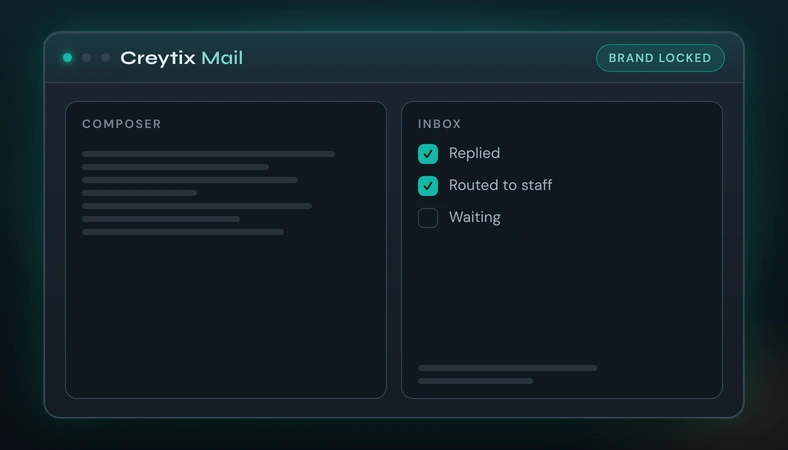
Systemize
Creytix Mail
Owned transactional and campaign mail — not a rented campaign SaaS.
Open →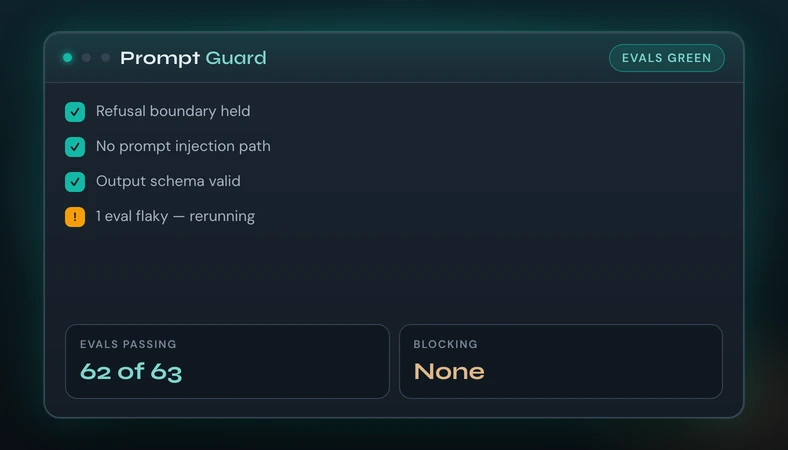
Systemize
 Creytix Prompt Guard
Guardrails and eval hooks before customer-facing AI ships.
Open →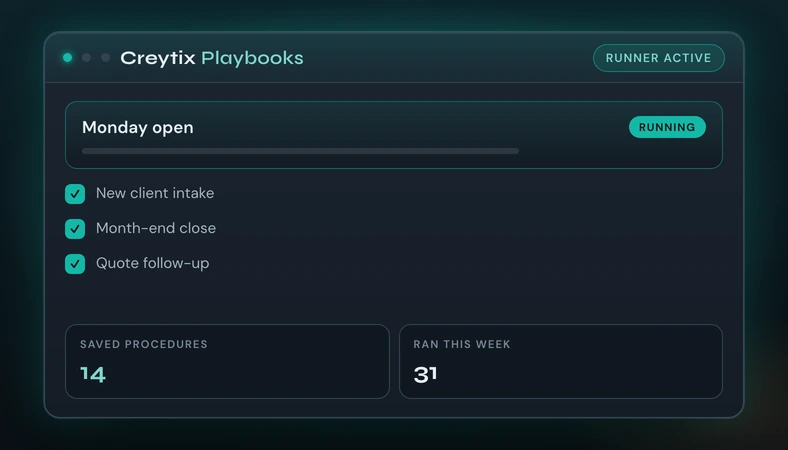
Systemize
Playbooks & Routines
Saved procedures in the IDE so repeated work stops being re-typed.
Open →
Takumi by Creytix
Not another AI coworker. A consultant that leaves.
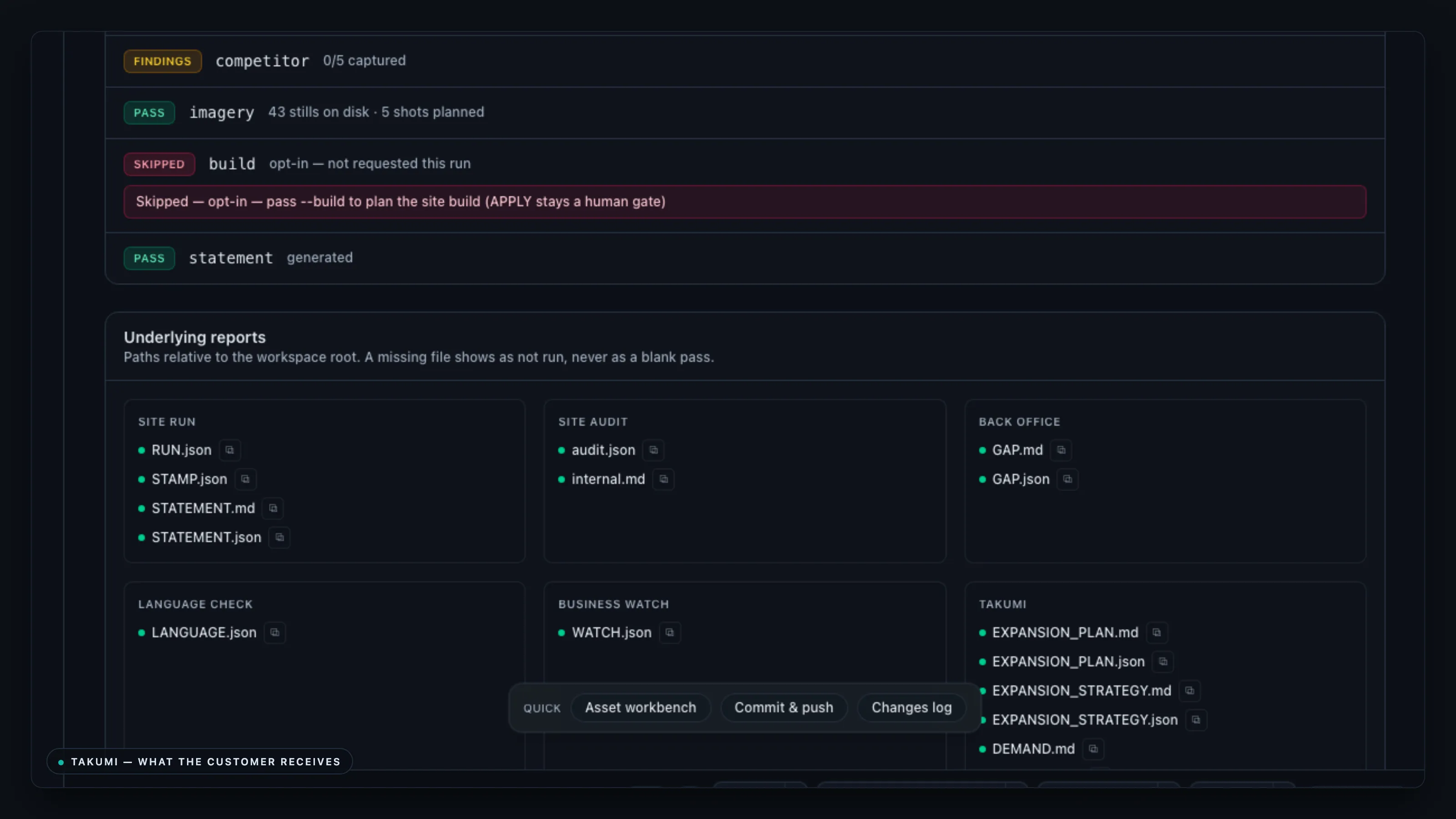
Takumi is the consultant agent that studies your business, installs deterministic tools, and returns later to improve the system. It is not an AI employee and not a permanent coworker — it leaves the room, then comes back through logs, transcripts, and summaries.
Other AI agents keep doing the work. Takumi makes sure the work stops needing an agent.
- 01 · ObserveStudies
Reads how your business actually runs today — the repeated work, the glue between tools.
- 02 · DesignFinds patterns
Identifies what's stable enough to stop being AI work and become a real tool.
- 03 · ImplementInstalls
Builds the deterministic tool, rule, or workflow natively into Creytix — not a bolted-on script.
- 04 · ExitLeaves
Doesn't stay embedded in every live workflow. The system runs without it.
- 05 · ReviewComes back
Checks in on a schedule, catches what changed, improves the system it left behind.
Takumi finds the glue work. Creytix absorbs it into the core.
Editorial interlude
The lantern walks with you. Takumi teaches.
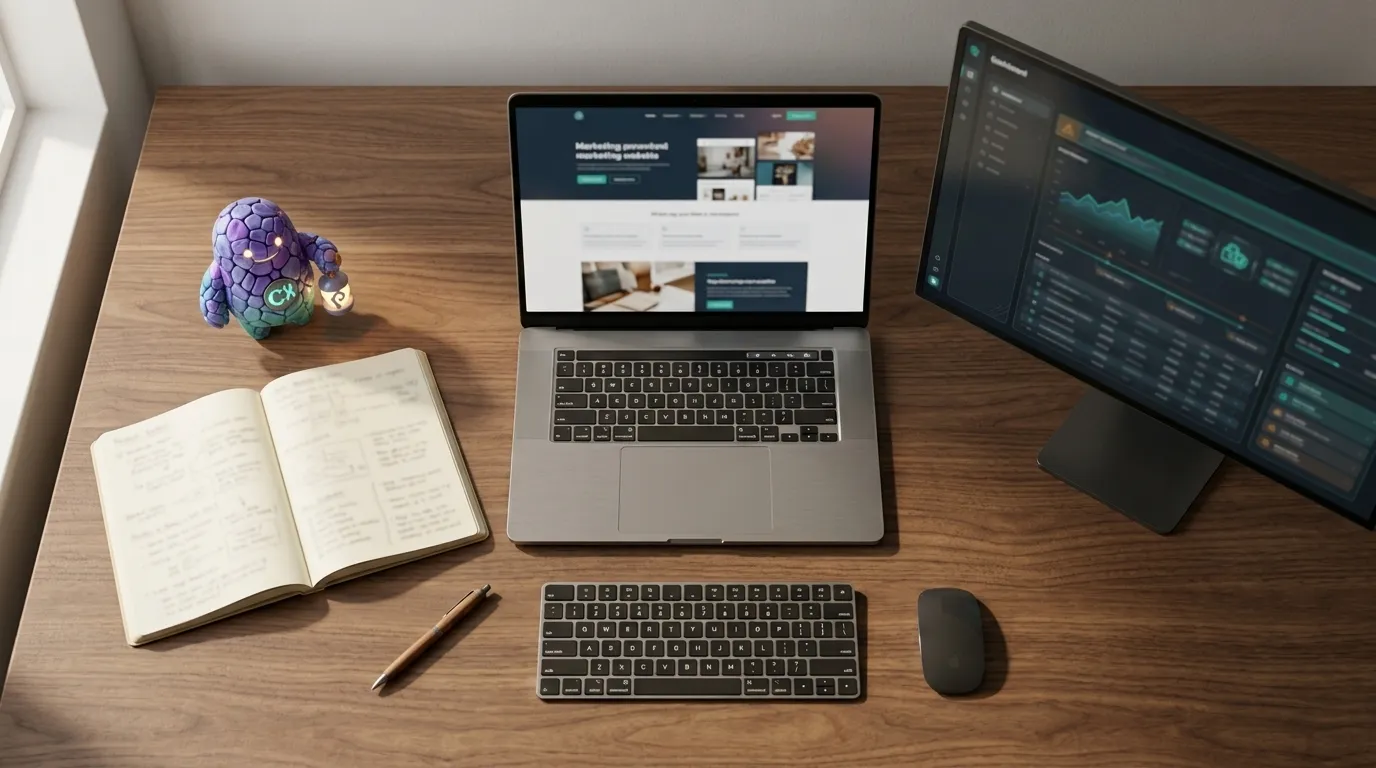
The stone companion is Takumi — Creytix's business assistant — as a homepage narrator: lantern over the path, not a product map. In the product, education is the teal Guide. Violet appears only when AI is generating or analyzing.

Build + Be Found + Systemize
The IDE writes code. The pipeline builds sites.The Brain ships and runs the client.
Creytix helps teams turn AI-generated code into secure, testable, production-grade software. Scroll to see eight departments — Forge through Dev — govern the path from plan to ship.
Chapter 1 of 3 — scroll through eight departments: peel, dissect tools, then see module screens.
In-product guidance uses the Creytix Guide beacon — not the stone companion marketing mascot.
- Wordmark exploration (CREYTIXV2-A01)
- Symbol / icon exploration (CREYTIXV2-A02)
- Creytix Guide mark exploration (CREYTIXV2-A03)
- AI Assistant mark exploration (CREYTIXV2-A04)
- Logo-in-context app header (CREYTIXV2-A05)
- Dark SaaS workspace moodboard (CREYTIXV2-B06)
- Premium operator dashboard moodboard (CREYTIXV2-B07)
- Guided website builder moodboard (CREYTIXV2-B08)
- Non-intimidating technical UI moodboard (CREYTIXV2-B09)
- Dual-assistant visual language board (CREYTIXV2-B10)
- Command palette concept (CREYTIXV2-C11)
- Sidebar navigation concept (CREYTIXV2-C12)
- Hint card concept (CREYTIXV2-C13)
- Right drawer concept (CREYTIXV2-C14)
- Split-pane workspace concept (CREYTIXV2-C15)
- Project dashboard concept (CREYTIXV2-C16)
- Inspector panel concept (CREYTIXV2-C17)
- Playbook screen concept (CREYTIXV2-C18)
- Vault / auth screen concept (CREYTIXV2-C19)
- Connections management concept (CREYTIXV2-C20)
- Homepage hero product mockup (CREYTIXV2-D21)
- Workflow strip concept (CREYTIXV2-D22)
- Modules overview concept (CREYTIXV2-D23)
- Admin preview concept (CREYTIXV2-D24)
- Existing-site adoption concept (CREYTIXV2-D25)
- Future-proof architecture concept (CREYTIXV2-D26)
- Guided hints section concept (CREYTIXV2-D27)
- AI moments section concept (CREYTIXV2-D28)
- Automations module marketing hero (CREYTIXV2-D29)
- Security and governance marketing hero (CREYTIXV2-D30)
- Guide mascot neutral pose (CREYTIXV2-E29)
- Guide explaining a step (CREYTIXV2-E30)
- Guide warning state (CREYTIXV2-E31)
- Guide success checklist state (CREYTIXV2-E32)
- Guide sidebar chip form (CREYTIXV2-E33)
- AI glyph active state (CREYTIXV2-E34)
- AI glyph premium modal state (CREYTIXV2-E35)
- Logo horizontal v2 regen (CREYTIXV2-R001)
- Favicon v2 regen (CREYTIXV2-R002)
- OG social card v2 regen (CREYTIXV2-R003)
- Forge module hero v2 regen (CREYTIXV2-R004)
- Studio module hero v2 regen (CREYTIXV2-R005)
- Design Labs hero v2 regen (CREYTIXV2-R006)
- Inspector hero v2 regen (CREYTIXV2-R007)
- Prompt Guard hero v2 regen (CREYTIXV2-R008)
- Homepage hero mobile v2 regen (CREYTIXV2-R009)
- Trust strip icons v2 regen (CREYTIXV2-R010)
- Email header logo v2 regen (CREYTIXV2-R011)
- CTA band background v2 regen (CREYTIXV2-R012)
- Module icon set v2 regen (CREYTIXV2-R013)
- Creytix Dev — BYOK hosted agents on your keys
- Creytix Connect MCP — Fleet tools over MCP
- Creytix Client Portal — Magic-link client portals
- Creytix Forge Review — PR review without SaaS
- Creytix Mail — Self-hosted mail campaigns
- Creytix SEO OS — Organic SEO ops in-house
- Creytix Events — Ticket inventory + checkout
- Creytix Sign — Native e-signatures
- Creytix Scheduling — Cal.com-style booking
- PostHog analytics — Product analytics self-hosted
- GrowthBook experiments — Feature flags + experiments
- Creytix prompt control — HF queue + prompt compiler
From the field
Show, don't just claim
July 24, 2026
Design Tokens to Production: How One Visual DNA Runs a Whole Brand
Read →July 24, 2026
From CAD File to Workshop Floor: BendForge and the Fabrication Tools
Read →July 24, 2026
One Engine, Two Storefronts
Read →Proof
First-party case studies
Read →

Proof, not promises
What's actually live
The Expedia Parts Stack: Three Storefronts, One Platform
This is the load-bearing case for "Creytix ships and runs the client," made concrete. It's not a claim about what the platform could do for…
“Three storefronts, three catalogs, three different customers — and I'm not running three separate engineering efforts to keep them alive. Same deploy pipeline, same governance layer, same brain deciding what an agent can do without me signing off. That's the only way three live brands stays sane instead of turning into three separate headaches.”
Read the case study →AlignHeart: Assessment to Coaching, End to End
It demonstrates the platform isn't a one-trick engine tuned to e-commerce. A coaching product with an entirely different shape of user…
“AlignHeart doesn't look anything like an auto-parts storefront — different voice, different rules, coaches instead of a catalog. It runs on the exact same Creytix machine underneath, assessment through coach-path routing, live today. That's the real test of a platform versus a template: a completely different product, same operating machine.”
Read the case study →One Engine, Two Storefronts: The Price-Compare Reuse
It's the clearest concrete instance of "build once, run everywhere" as a real engineering decision, not a slogan — a bug fix or a UX…
“We built the comparison engine once, not twice, because two brands needed the same kind of ranking logic. Compare & Earn runs live inside Expedia Parts today, and when Align Shop is ready it plugs into that same engine instead of starting from scratch. That's what build-once-run-everywhere actually looks like day to day, not just a phrase.”
Read the case study →
Plans
One platform, transparent pricing — no per-tool SaaS add-ons
See what's included at every tier, from a single site to the full fleet.
View pricing
The AI Business OS
Build + Be Found + Systemize
Creytix builds, gets you found, then Takumi turns what repeats into deterministic tools you own. Request a seat — checkout is not self-serve.