
01 / Define
Forge · Brand DNA · project intake
Work starts with requirements, constraints, and identity — not an unstructured prompt.
Open Define →Operator workspace
The rails behind "writes the code, builds the site, runs the client" — Connect native tools, team chat, mail ops, SEO pipeline, and commerce rails, plus operator UX mocks. Sign in from the header when you need the operator console.
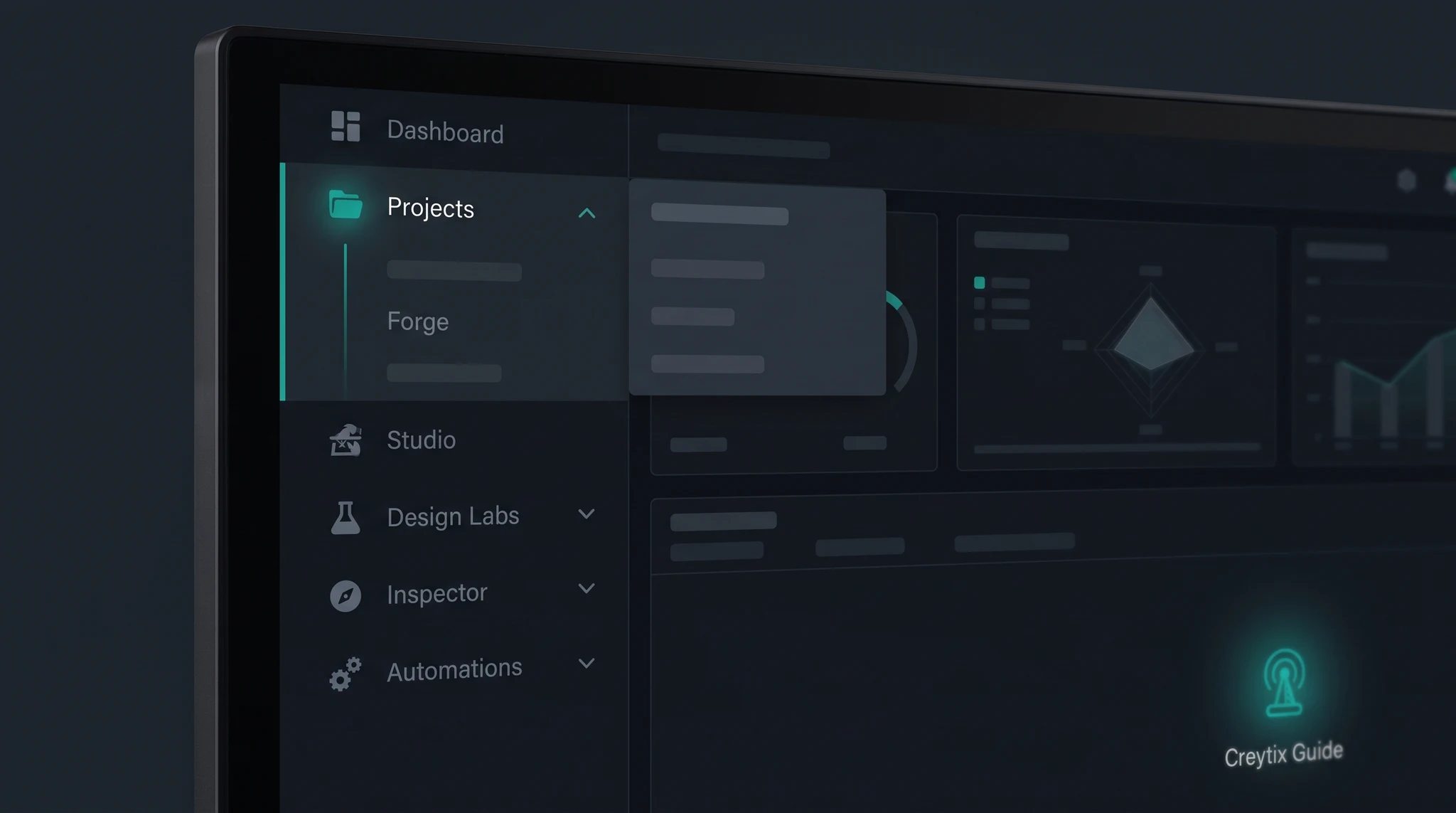
Eight departments, one platform
Every Creytix workspace ships all eight departments together — pick one below to see what it does and where it lives in the docs.
Planning & intake
Creytix Forge intake, Brand DNA gates, scaffold, and naming — structure before any page generates.
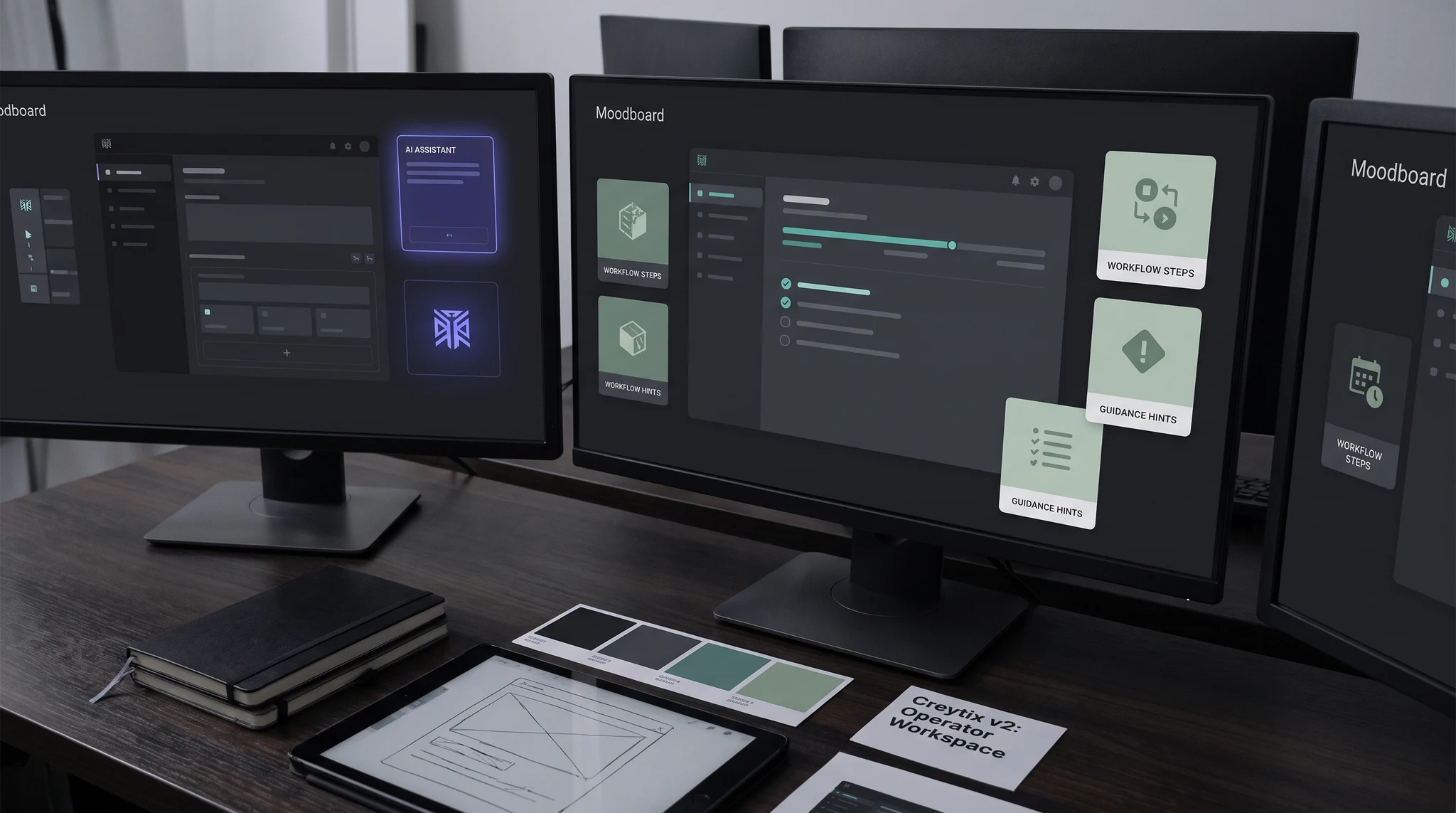
Build-only stack
Each Creytix Connect tool is a native, self-hosted swap for the SaaS product you already pay for — no extra subscriptions, no data leaving the fleet.
How it works
Intake, Brand DNA, and structure before anything generates.
Studio + Design Labs produce on-brand pages and assets.
Inspector + Prompt Guard catch issues before they ship.
Supervised deploys with gates and rollback readiness.
The operating path
Define, design, build, verify, ship, operate, then learn. Control is built into the path — Brand DNA, tests, audit trail, environments, recovery — not bolted on after launch.
Skip to lantern chaptersSkip story — the page stays readable with motion off.
01 / Define
Work starts with requirements, constraints, and identity — not an unstructured prompt.
Open Define →02 / Design
The product is designed as a reusable system before components multiply.
Open Design →03 / Build
AI can produce work quickly inside the project’s real context.
Open Build →04 / Verify
Code, UX, prompts, security, and release readiness are checked before exposure.
Open Verify →05 / Ship
Shipping is governed, observable, and recoverable.
Open Ship →06 / Operate
The product remains operable after launch — within the honesty table.
Open Operate →07 / Learn
The team builds repeatable capability instead of depending on a prompt expert.
Open Learn →Lantern journey
One active workspace frame at a time. The stone companion uncovers the path with a lantern. The teal Guide — in the cards beside each operating stage — teaches the gate.
01 / Someone has an idea
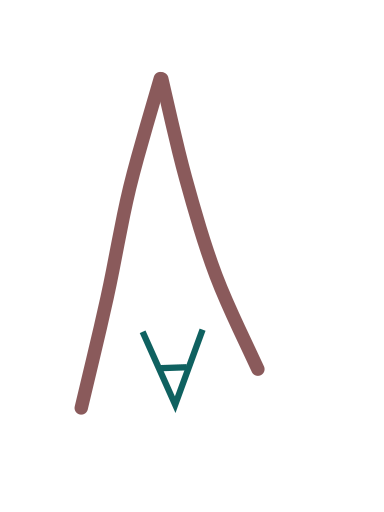
A napkin sketch is enough to start — Forge turns it into a brief, Brand DNA, and a governed build. Not a vibe-coded landing page.
Lantern: The lantern finds the sketch and traces a small structure.
Resolved: Notes become a coherent blueprint silhouette.
Forge · Brand DNA · intake
Creytix Forge →
02 / The idea becomes a live product
Design Labs locks tokens. The IDE writes and ships. Build is done when something is live, not when a mock exists.
Lantern: The beam enters the product frame and holds the edges.
Resolved: A controlled product crop — no invented UI lettering.
Design Labs · Studio · IDE
Creytix IDE →
03 / Proof: sites Creytix actually runs
First-party fleet marks, not invented customers. Names without a locked logo stay names.
Lantern: Light isolates real marks and leaves gaps honest.
Resolved: A governed logo wall of sites we operate.
/sites · locked fleet logos
Every site →








04 / Support stays on
Inspector, Mail, Chat, and Shield keep the live site honest. Not a 24/7 human agency.
Lantern: Light follows an issue from signal to organized action.
Resolved: Verified, calm recovery — status colors only when they mean something.
Inspector · Mail · Chat · Shield
Creytix Shield →
05 / Get found, then add what works
SEO OS, Social, and Mail grow the site. Frontier Bind and Playbooks add features. Workforce when hiring starts.
Lantern: The beam expands through search and content motifs into an ordered system.
Resolved: Distribution is a lane in the OS, not a second vendor stack.
SEO OS · Social · Mail · Frontier Bind
Creytix SEO OS →
06 / Then the company itself
Payroll-lite, books connection, tax guidance — when those matter, Creytix stays on. Not a loan. Not ADP or QuickBooks today.
Lantern: Copper light maps fragmented tools into an installed pattern.
Resolved: Takumi’s systemize moment: repeatable work leaves a deterministic tool.
Workforce payroll-lite · Books · Tax guidance · Takumi
Creytix Books →
The Creytix Method
Creytix does not just produce the next output. It shows your team why the step exists, what good looks like, and how to recover when the project changes — so every project leaves the business more capable than the last.
Playbooks guide the work inside the product. Articles and docs teach the operating pattern in public.
Founder
Builder
Reviewer
Absorb the glue
Event triggers, routing, approvals, notifications, and the internal tools that usually live in a separate automation bill belong in the operating system — not in another login.
Fragmented stack
Zapier connects fragmented tools.
Glue sits between apps. Every repeated flow stays an integration — billed, fragile, and outside the product you actually run.
Native core
Creytix replaces the fragmentation.
Takumi finds the glue work. Creytix absorbs it into the core — a tool you own, not a zap that has to keep firing.
Public comparison pages — not a 9,000-integration catalog.
SSOT: brand/creytix/CREYTIX_CONNECT_REGISTRY.json — native tools register here before per-site routes wire.
Team & guest messaging
Creytix Chat
3 tools registered
Checkout & events
Commerce
3 tools registered
Creytix Mail ops
Store & Mail
2 tools registered
Organic pipeline
SEO & growth
3 tools registered
Site intake & HF
Forge tools
4 tools registered
Additional native services documented in the Connect catalog — each replaces a SaaS product the fleet would otherwise pay for.
E-signature with a full template library — the DocuSign replacement.
Docs →
Shipment timeline and carrier adapters — the AfterShip replacement.
Docs →
Framework readiness checklists — no paid GRC SaaS.
Docs →
Visitor analytics and session insight — the Hotjar-lite lane.
Docs →
Transactional SMS and WhatsApp templates over a BSP.
Docs →
Fleet-wide error capture on a self-hosted, Sentry-compatible path.
Docs →
Public status page and component health.
Docs →
Team + assistant
Deterministic chat assistant, internal thread bridges, and guest support widgets — native fleet tools, not Composio SaaS.
Creytix Mail
Campaign enqueue, staff inbox, and transactional rails — build-only Creytix Mail stack under the Creytix Mail customer label.
Organic + programmatic
SEO pipeline ingest, page generation enqueue, and Growth & AEO playbooks — free-tool stack, no Ahrefs subscription required.
Attached rails
Local Creytix models on fleet minis, BYOK cloud keys, Higgsfield Nano/Seedance, Dev Agent tiers, and deterministic Creytix Brain routing.
Checkout + events
Checkout tool with IDV, events ticketing pilot, and native booking-kit scheduling — fleet packages before per-site routes.
Creytix Connect
Cross-site capabilities register in Creytix Connect and wire through Forge — chat, commerce, mail, SEO, and intake tools without horizontal SaaS lock-in. Grouped from CREYTIX_CONNECT_REGISTRY.json.
Team & guest messaging
Native chat assistant, internal team mirrors, and storefront support widgets — wired through Creytix Connect without Composio-scale SaaS.
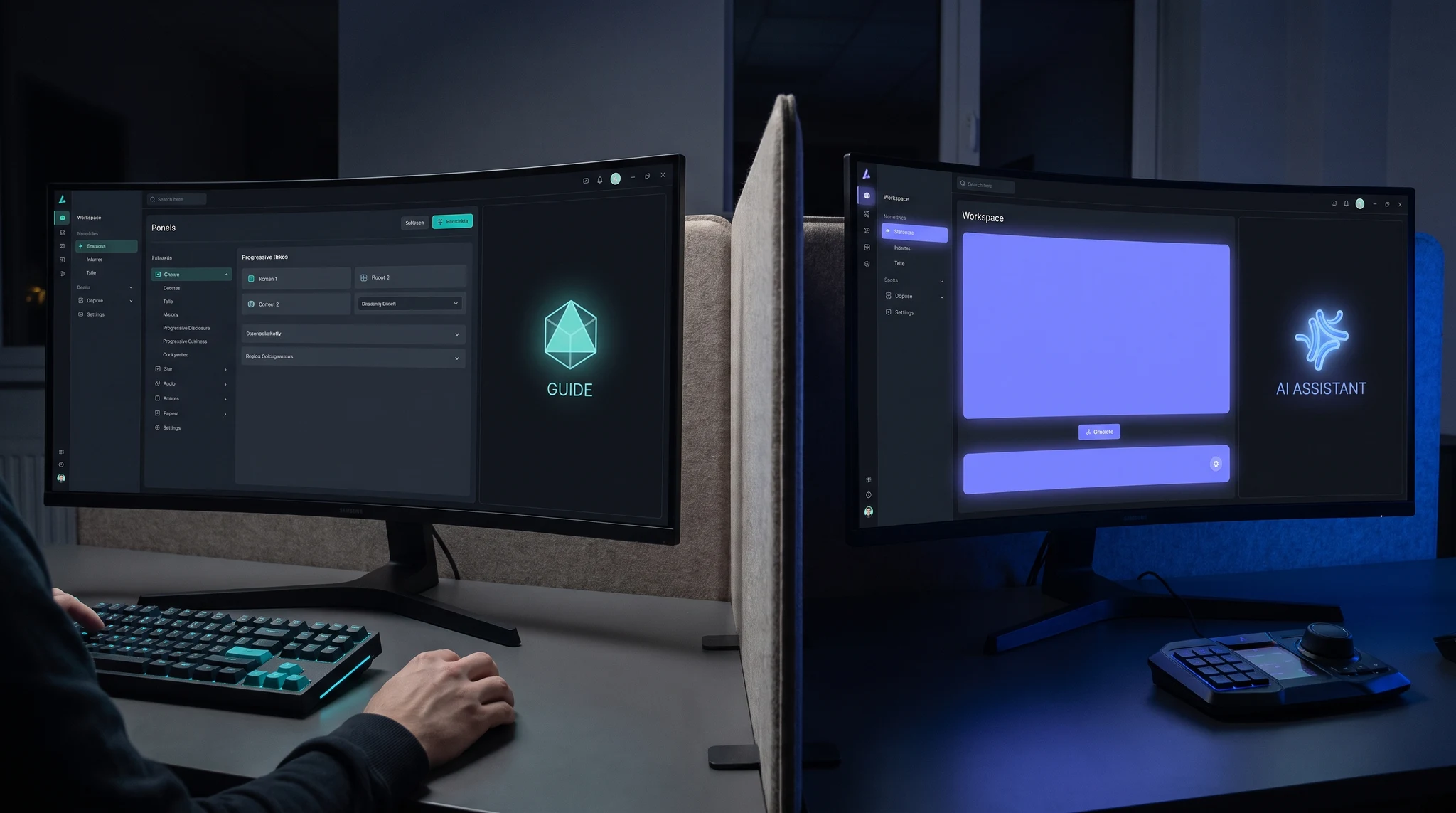
Deterministic tools assistant with module context sync and Forge handoffs.
creytix.chat.assistantDocs →Slack and RingCentral connectors into the operator team-chat surface.
internal-chat.mirrorDocs →Guest widget routed to sales and CS queues on gamma storefronts.
support.chat.widgetDocs →Checkout & events
Events ticketing, checkout verification, and public BFF routes — fleet packages registered before per-site wiring.
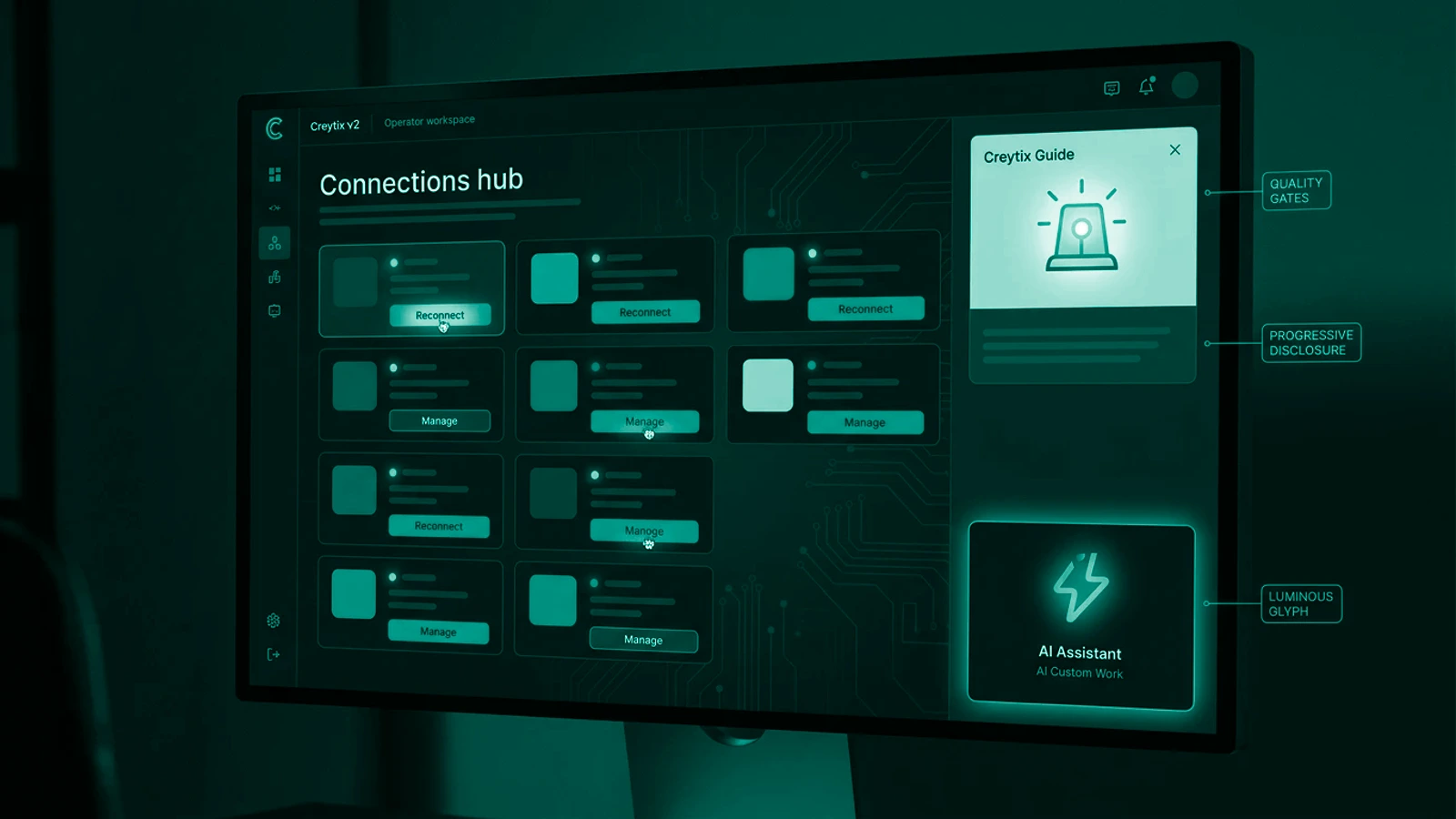
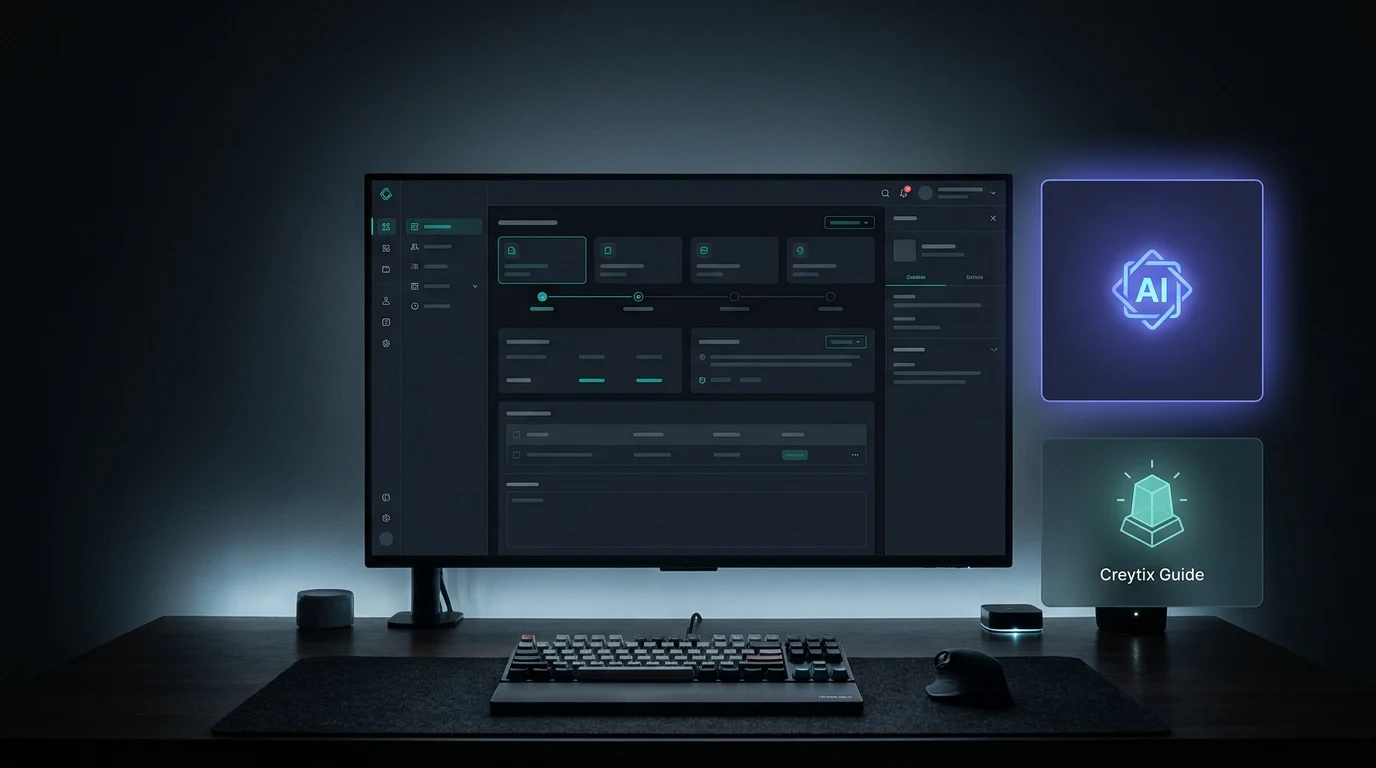
Catalog, tiers, cart stub, and scan-at-door ticketing for pilot sites.
events.ticketingDocs →Identity verification, fraud review, and payment intent flows.
checkout.toolDocs →Native booking-kit appointments — Cal.com self-host wire-later on fleet minis.
scheduling.cal-bookingDocs →Creytix Mail ops
Self-hosted Creytix Mail enqueue and staff inbox — customer-facing Creytix Mail labels on native fleet rails.
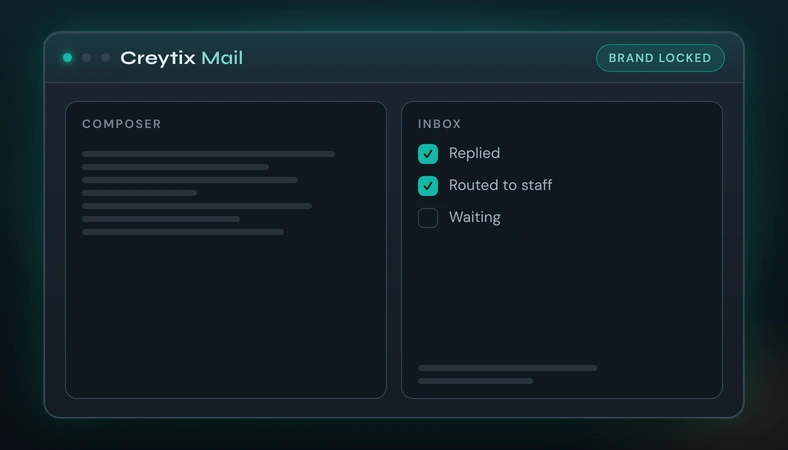
Workspace campaign batches and structured export packs from Studio.
mail-gorilla.enqueueDocs →Staff JWT BFF inbox for communications queue on Expedia admin.
tianguis-mail.inboxOrganic pipeline
SEO OS ingest, programmatic page generation, and Growth playbooks — free-tool stack, no Ahrefs lock-in.
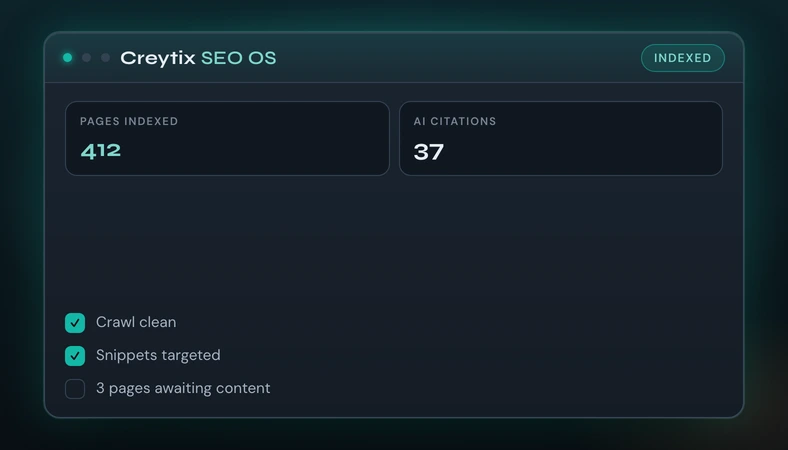
Weekly ingest, GSC rotation, and index gates on fleet storefronts.
seo-os.ingestDocs →Programmatic landing enqueue with human review gates before publish.
page-generation.enqueueDocs →Answer-engine optimization playbooks paired with Design Labs governance.
growth.aeoDocs →Site intake & HF
Creytix Forge scaffold, Brand DNA naming, path registry, and Higgsfield Flow submit — register in Connect before site routes wire.
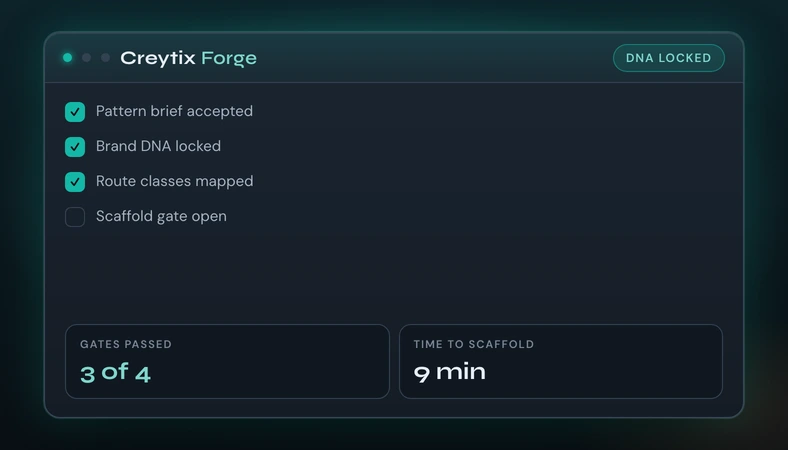
Intake, asset manifest, and brand:scaffold-site from one ECP panel.
site-forge.scaffoldDocs →Brand naming CLI and auto prompt system builder — first steps on every site.
forge.creator-toolsDocs →Curated fleet paths, combinatorial resolver, and dry-run apply smoke.
forge.path-registryChrome CDP batch submit with essence URLs and master queue order.
hf.flow.submitDocs →More fleet services
The full Connect registry ships more native services than fit above — each documented and reachable today.
E-signature with a full template library — the DocuSign replacement.
Docs →
Shipment timeline and carrier adapters — the AfterShip replacement.
Docs →
Framework readiness checklists — no paid GRC SaaS.
Docs →
Visitor analytics and session insight — the Hotjar-lite lane.
Docs →
Transactional SMS and WhatsApp templates over a BSP.
Docs →
Fleet-wide error capture on a self-hosted, Sentry-compatible path.
Docs →
Public status page and component health.
Docs →
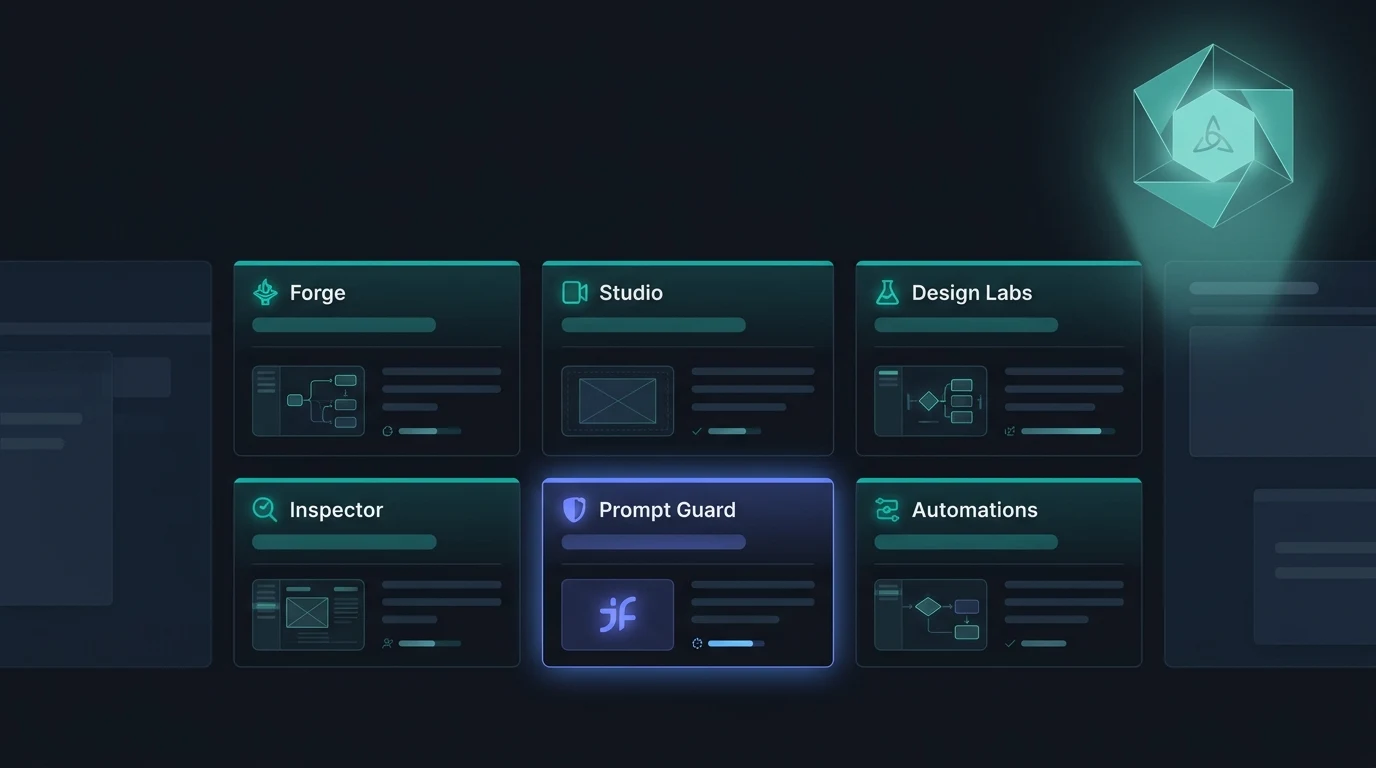
Six precision modules — Forge · Studio · Design Labs · Inspector · Prompt Guard · Releases
CREYTIX018–029 operator UX mocks — WebP masters at public/creytix/. Wired on homepage Connect sections and module pages where copy fits. Sync after ingest: npm run brand:site-assets:sync -- --slug=creytix
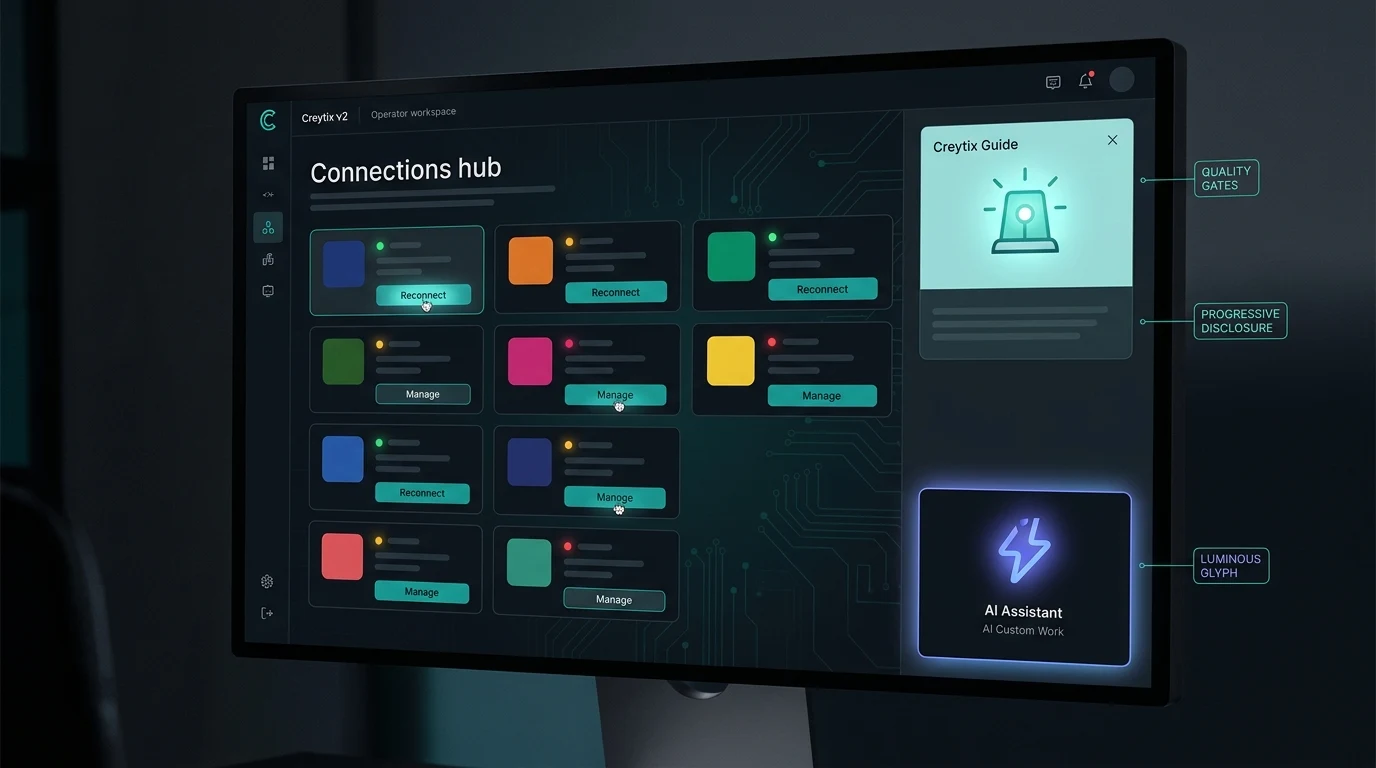
CREYTIX018
ECP Connect panel — native tool grid with status pills.
CREYTIX019
Team chat with module context and Forge handoff chips.
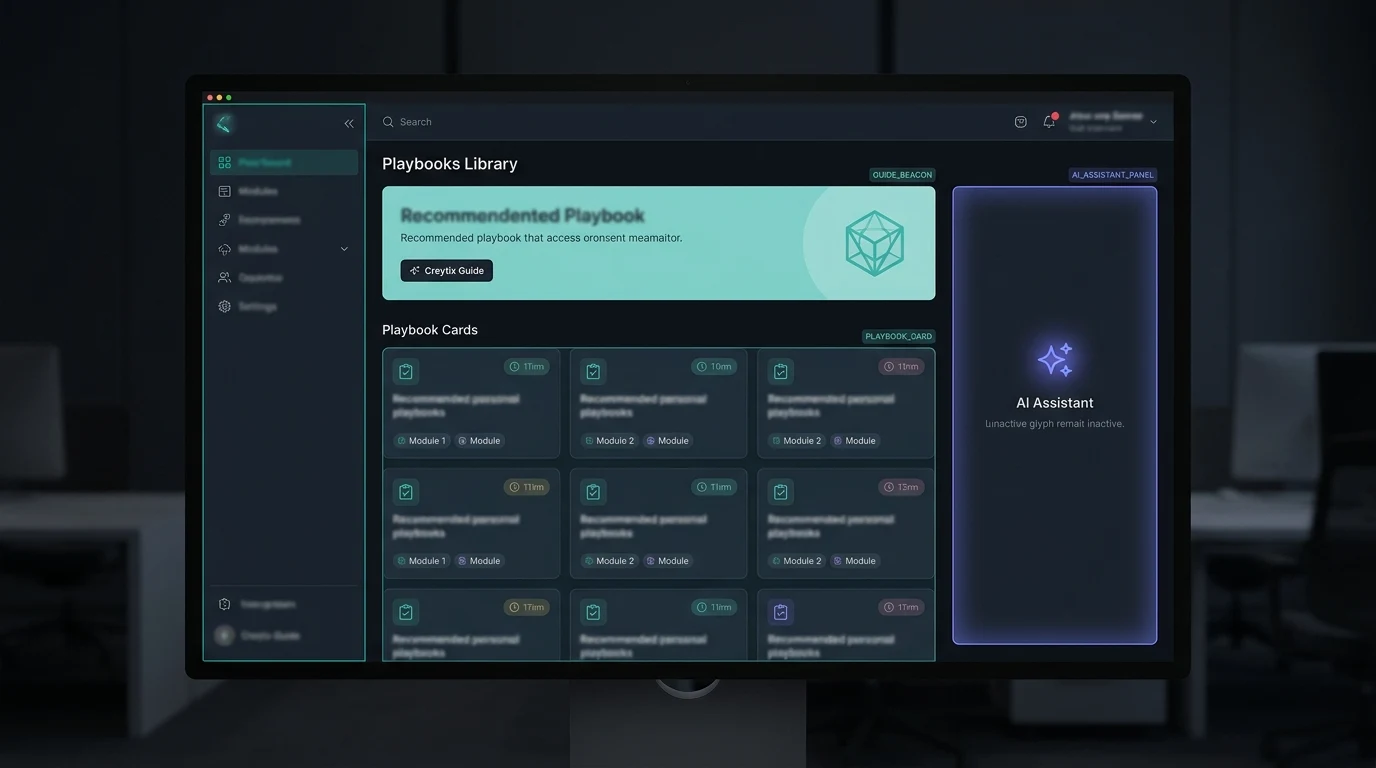
CREYTIX020
Campaign enqueue with brand-locked preview panel.
CREYTIX021
Crawl rotation, index gates, and snippet targets.
CREYTIX022
Identity upload and face-scan liveness step.
CREYTIX023
Operator UX — module switcher and eco dashboard strip.
CREYTIX024
Pattern brief, route classes, and DNA lock gate.
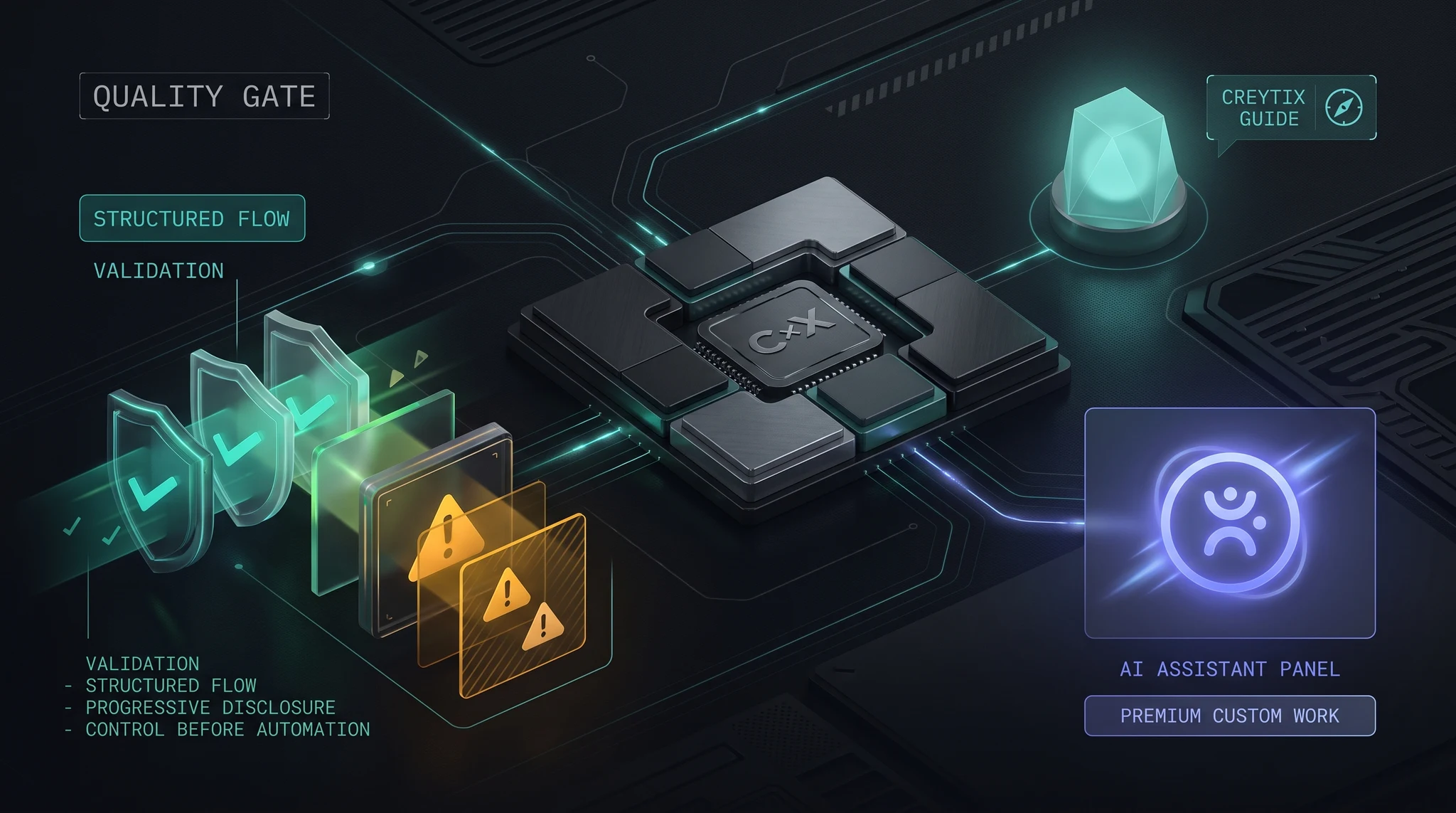
CREYTIX025
Screenshot classify matrix — fix vs accept vs baseline.
CREYTIX026
Tier capacity, venue map stub, and waitlist panel.
CREYTIX027
Founder queue + software-operator intake slice.
CREYTIX028
Shipment timeline and carrier adapter status.
CREYTIX029
Framework checklists — no paid GRC SaaS.
CREYTIX030
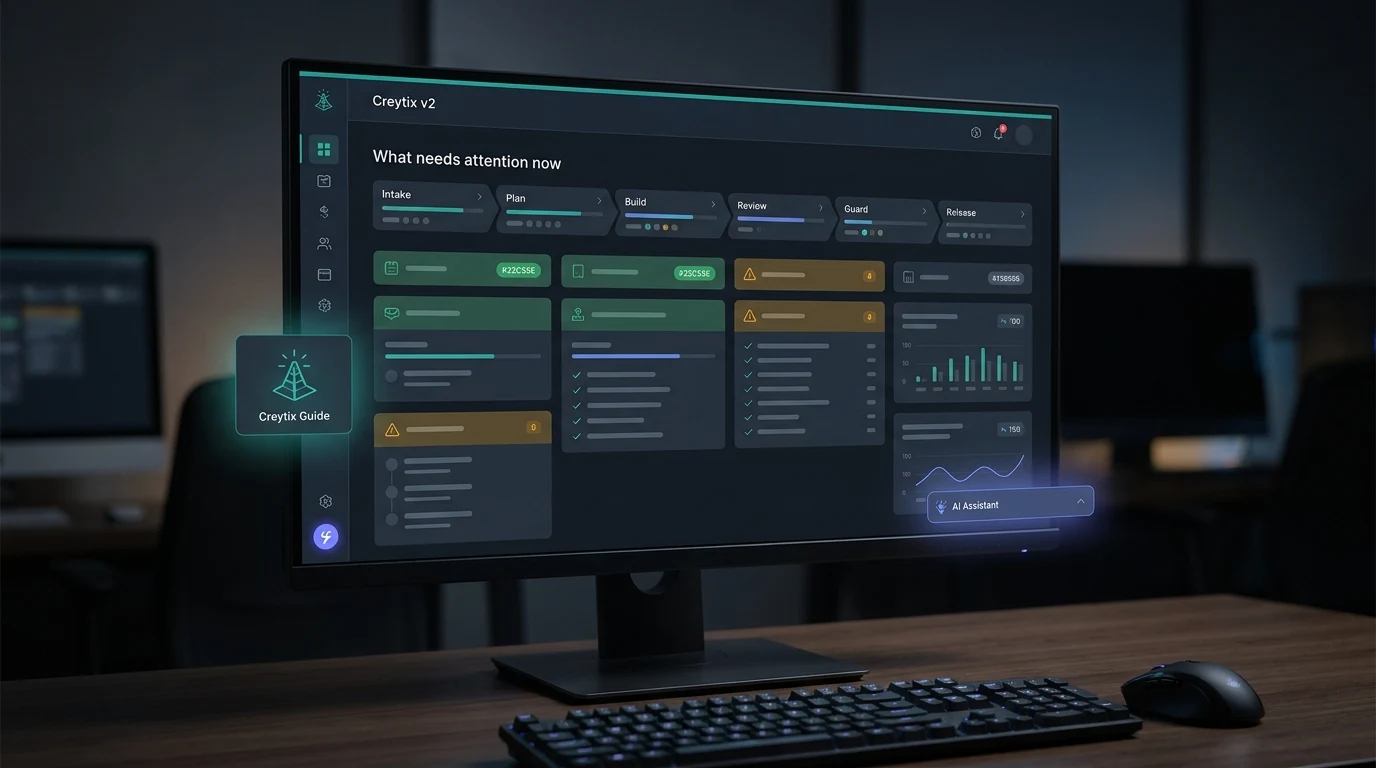
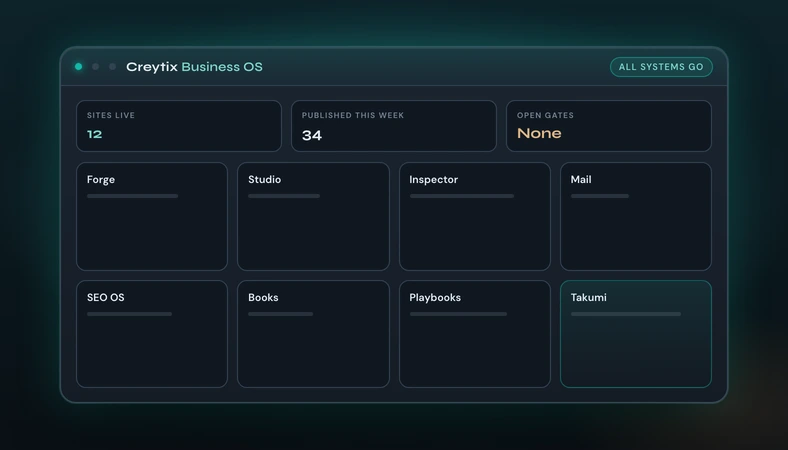
Operator home — module tiles on the dark Creytix shell.
CREYTIX031
Site intake, Brand DNA lock, and scaffold gates.
CREYTIX032
Governed agent workspace — editor and agent panel.
CREYTIX033
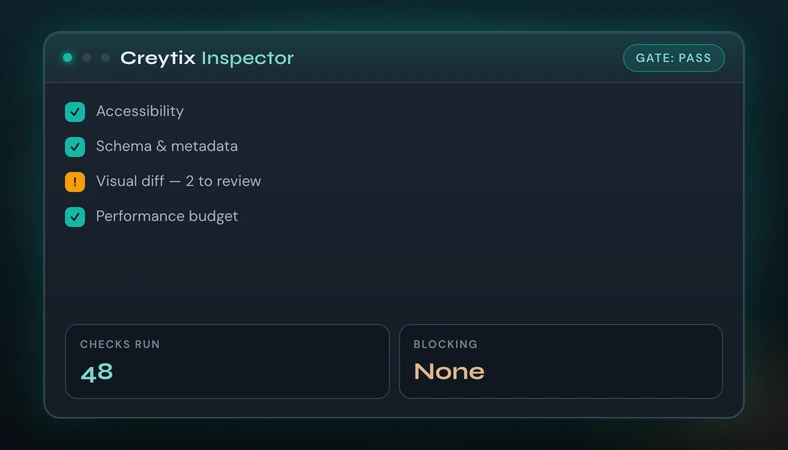
Screenshot triage and release-gate matrix.
CREYTIX034
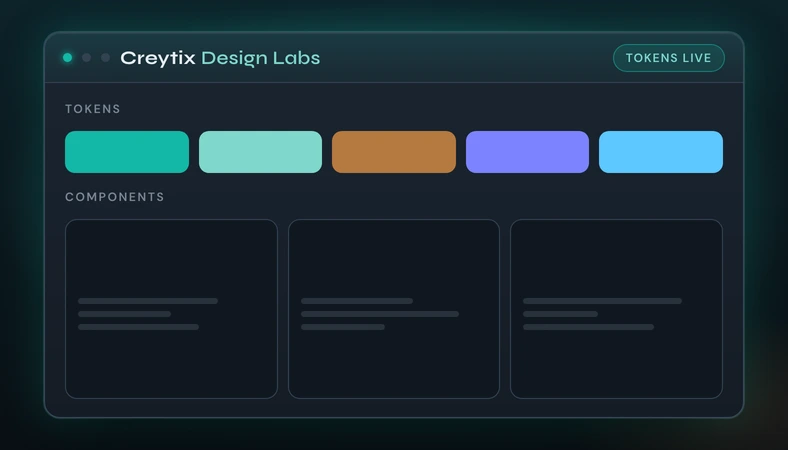
Token swatches and code-native component matrix.
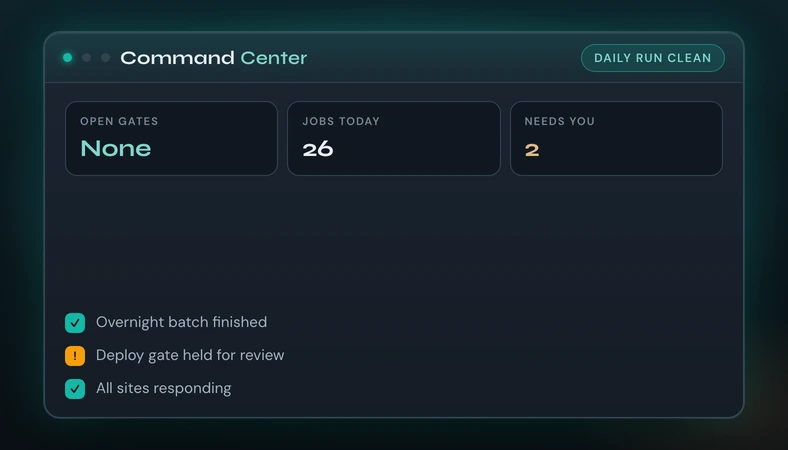
CREYTIX035
Operator hub — gates, inspect, daily OS control.
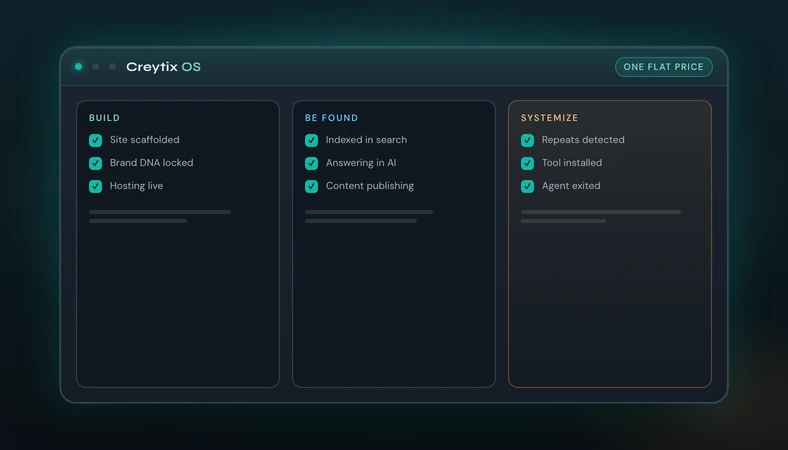
CREYTIX036
Three-column OS canvas — build, discovery, systemize.
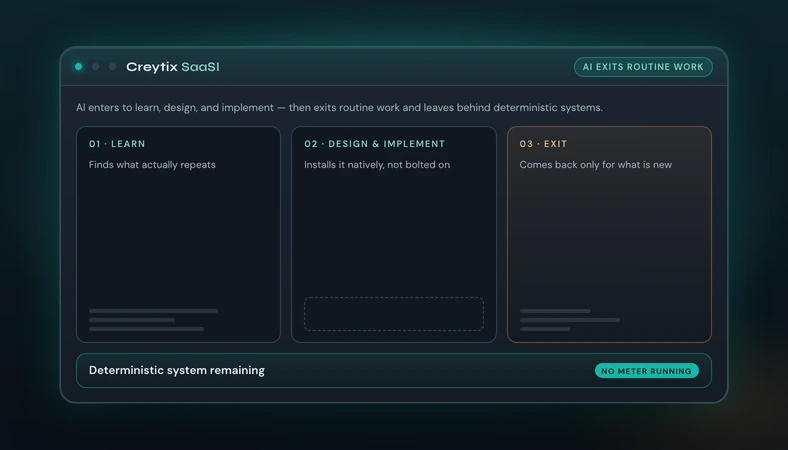
CREYTIX037
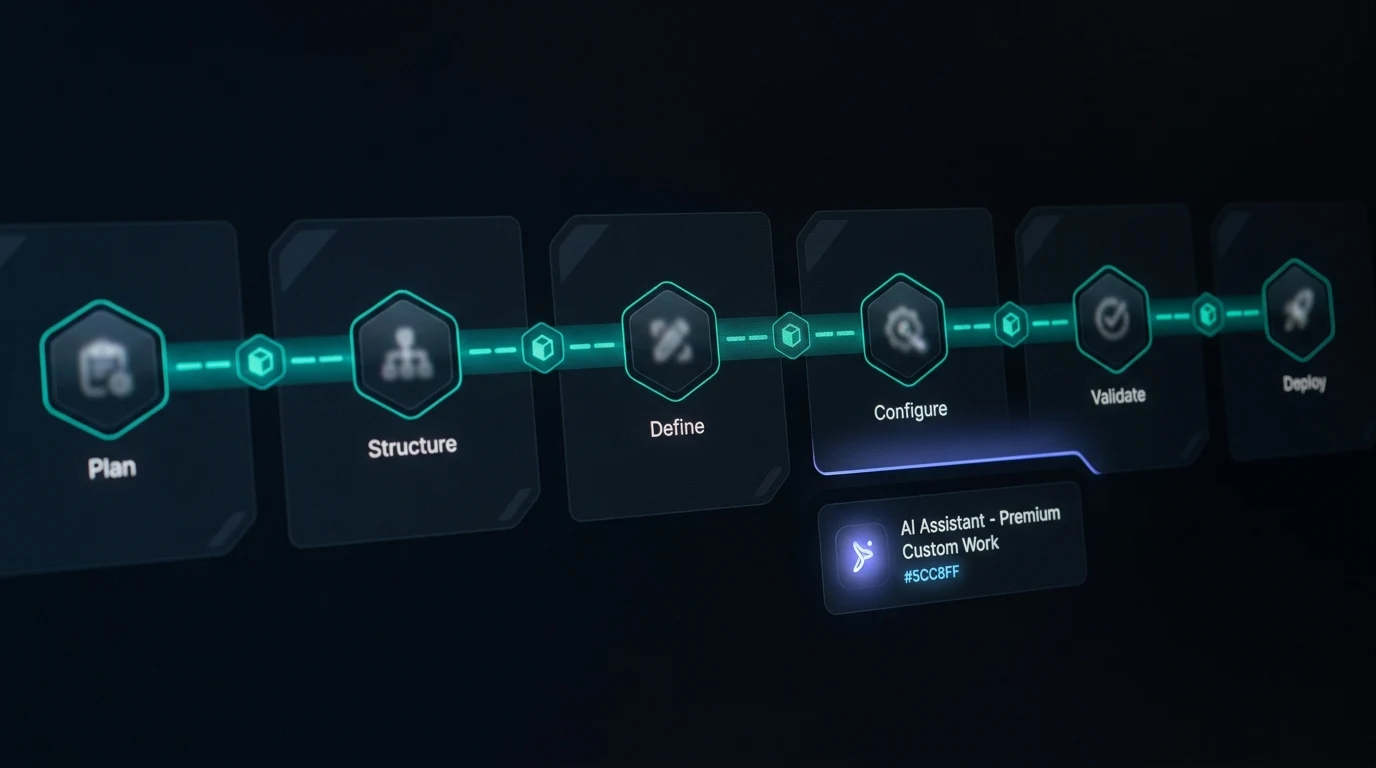
AI enters to learn, design, and implement — then exits routine work and leaves behind deterministic systems. Stage names track the canon and the three cards rendered beneath it on the homepage. Quarantine lifted 2026-09-01: the Qwen still (CJK UI, hex labels, orange truck) was replaced by a deterministic render, and the homepage was switched onto it — SaasiPipelineVisual, the interim English stand-in, is gone.
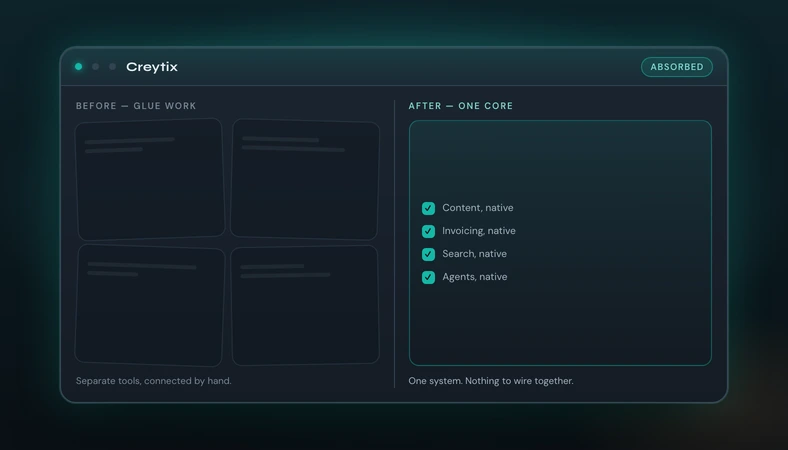
CREYTIX038
Disconnected app tiles versus one absorbed operator core.
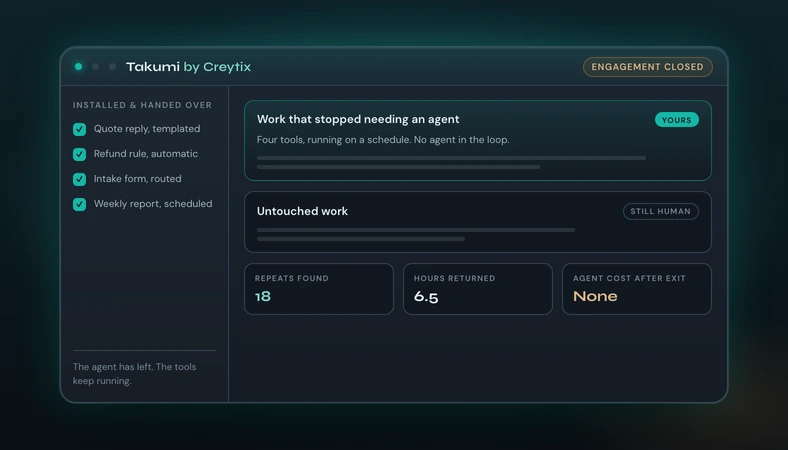
CREYTIX039
Consultant panel stepping away after installing a tool.
CREYTIX040
Crawl graph, index gates, and snippet targets.
CREYTIX041
Campaign composer and staff inbox on one OS shell.
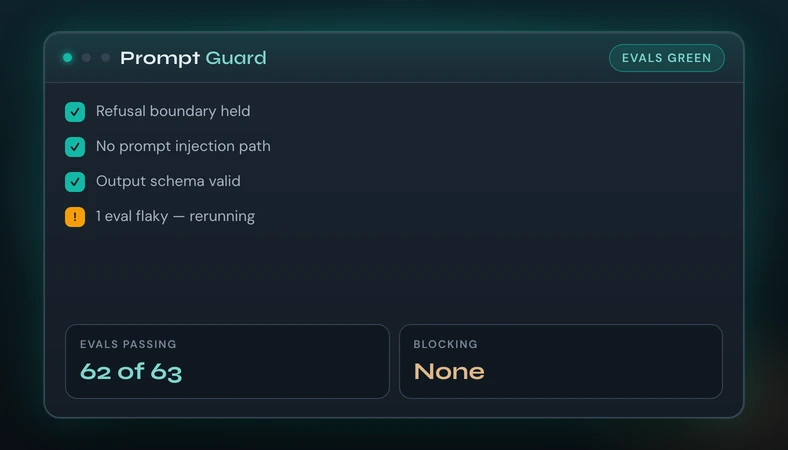
CREYTIX042
Eval matrix and guardrail checklist.
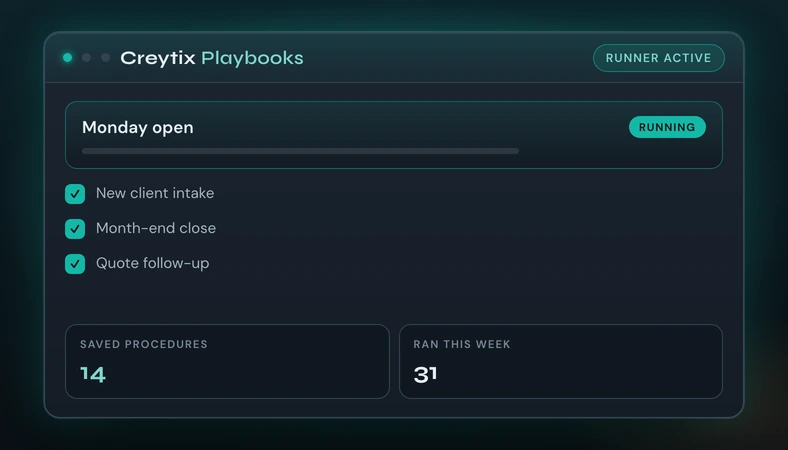
CREYTIX043
Saved procedures and a routine runner.