
The eight departments
Forge, Design Labs, Studio, Connect, Inspector, Prompt Guard, Ship, Dev — the spine of the platform.
Overview
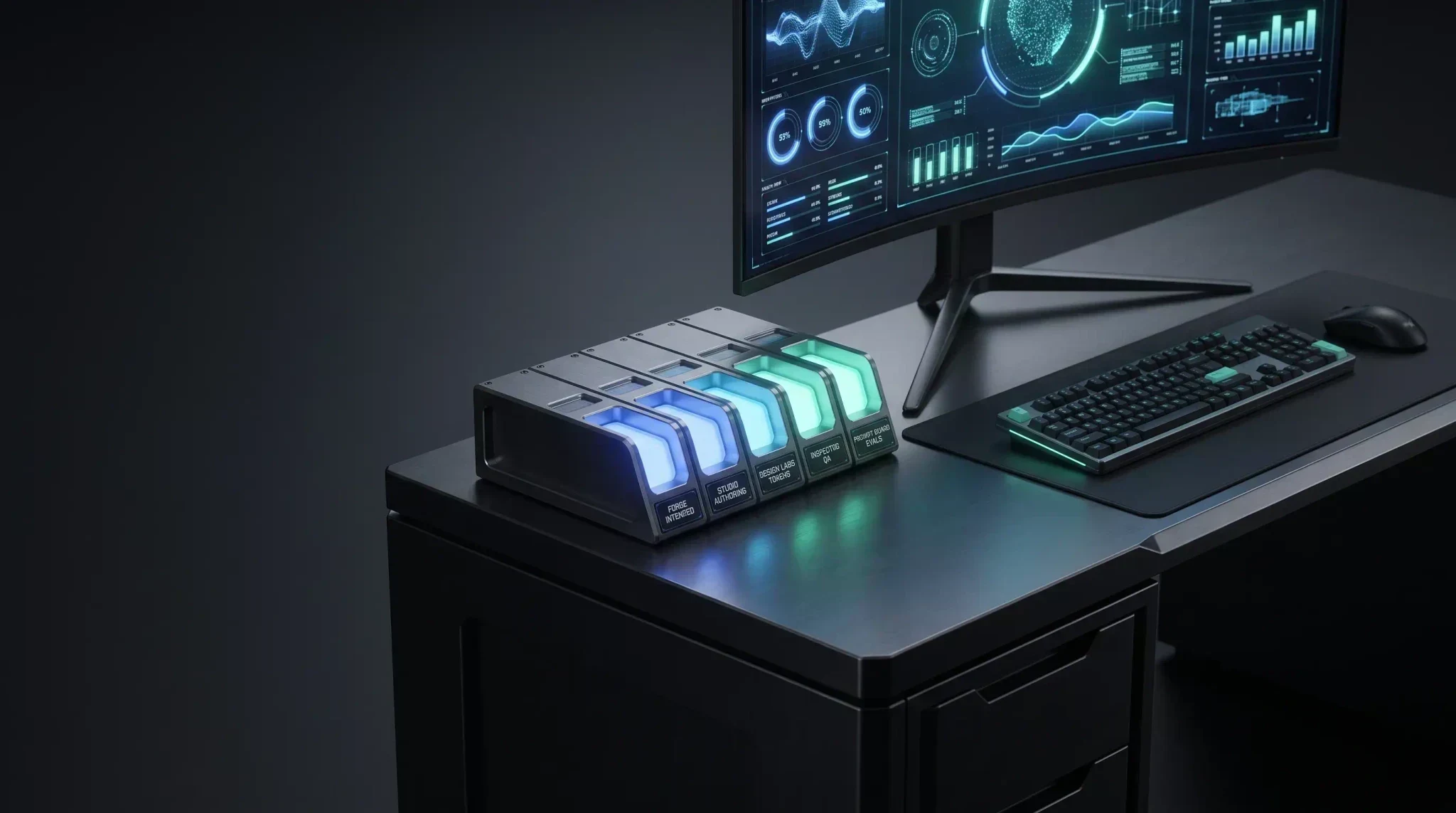
Creytix organizes every capability into eight departments. Together they are the spine of the platform — the same eight categories you'll see in the Control Panel's module switcher, in the marketing site's navigation, and across these docs.
| Department | Focus | What it covers |
|---|---|---|
| Creytix Forge | Planning & intake | Site intake, Brand DNA gates, scaffold, and naming — structure before any page generates. |
| Creytix Design Labs | Brand & design system | Tokens, palettes, typography, and governance that every route inherits. |
| Creytix Studio | Creative workspace | Campaigns, content modules, and asset packs — where you author what gets published. |
| Creytix Connect | Fleet services | Self-hosted Mail, SEO OS, Events, Scheduling, Checkout, and more, under one registry. |
| Creytix Inspector | QA & production readiness | Screenshot triage, accessibility checks, and pre-ship gates. |
| Creytix Prompt Guard | AI safety | Guardrails, eval hooks, and prompt packs before customer-facing AI ships. |
| Creytix Ship | Publish & releases | Deploy, webhooks, IndexNow, and the path from approval to production. |
| Creytix Dev | Hosted agent & code | A BYOK dev agent and dev bridge for ongoing code work. |
How it works
A typical build touches these departments roughly in order: Forge plans it, Design Labs supplies the brand system it's built against, Studio is where content gets authored, Connect tools attach as needed (email, scheduling, checkout), Inspector gates it before release, Prompt Guard checks any AI-facing surface, Ship publishes it, and Dev handles ongoing code work after launch. Not every project needs all eight — a content update might only touch Studio and Inspector.
Steps
- •
Forge — plan first
Every build starts with an intake and a Brand DNA lock gate, before a single page generates.
- •
Design Labs — lock the system
Tokens, palettes, and design governance that every later department inherits.
- •
Studio — build the content
Campaigns, content modules, and asset packs get authored here.
- •
Connect — attach fleet tools
Mail, SEO OS, Scheduling, Events, Checkout, and the rest of the fleet-services registry attach as needed.
- •
Inspector — gate it
Screenshot triage, accessibility checks, and pre-ship acceptance criteria run before release.
- •
Prompt Guard — check AI surfaces
Guardrails and evals run against any customer-facing AI before it ships.
- •
Ship — publish
The release moves from approval to production, with webhooks and IndexNow on cutover.
- •
Dev — keep building
The hosted dev agent and dev bridge carry ongoing code work after launch.
Capabilities
- Forge — site intake, Brand DNA validation, scaffold + manifest, Forge Prompt Studio.
- Design Labs — logo/icon exploration, palette + typography, design-lab routes, OG/favicon slots.
- Studio — marketing content authoring, the HF image/video pipeline, content modules, asset workbench.
- Connect — Creytix Mail, SEO OS pipeline, Events ticketing, Team Chat & Support — see What Creytix replaces.
- Inspector — visual diff triage, accessibility polish, QA scorecards, pre-ship gates.
- Prompt Guard — prompt evaluation, guardrail policies, golden datasets, Creytix Guide hints.
- Ship — release push, webhooks, IndexNow ping, Connect registry visibility.
- Dev — dev agent tab, dev bridge queue, BYOK routing, Forge Review PRs.
Limits & honest scope
The eight-department split is an organizing model and a navigation spine — it is one workspace, not eight separate products or eight separate logins.
- Not every page inside every department is fully shipped. Design Labs' component gallery, Studio's asset manager, and most of Creytix Dev carry Building or Preview tier badges — check the badge on each department's own overview page.
- This page names what each department covers at a customer level; it does not document internal routing, phase numbers, or roadmap timelines.