
Connect overview
The fleet-services registry — self-hosted tools that replace horizontal SaaS, under one registry.
Overview
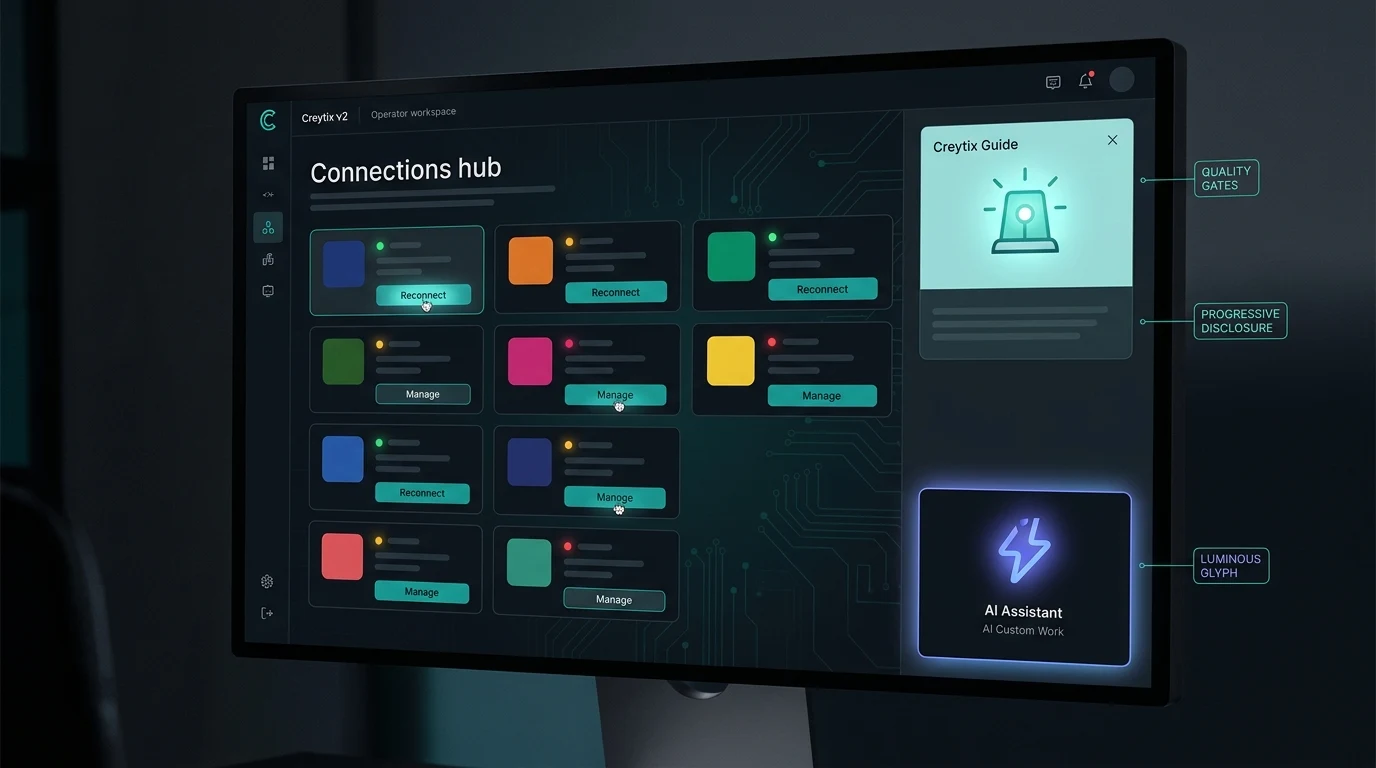
Creytix Connect is the registry of tools that run your site's day-to-day operations — email, SEO, scheduling, checkout, e-signature, events, and more — without renting a separate SaaS subscription for each one. Every tool in Connect is self-hosted on your own Creytix workspace and shows up in one place, with one status model, instead of a dozen logins across a dozen vendors.
Where most agencies hand you a stack of point tools that don't talk to each other, Connect keeps them under a single registry that already knows your Brand DNA, your workspace manifest, and your team.
| Creytix tool | Replaces |
|---|---|
| Creytix Mail | Mailchimp, Klaviyo |
| Creytix SEO OS | Semrush, Ahrefs |
| Creytix Page Gen | Programmatic SEO SaaS |
| Creytix Scheduling | Calendly |
| Creytix Events | Eventbrite |
| Creytix Checkout | Stripe Identity stack |
| Creytix Sign | DocuSign |
| Creytix Condo | ComunidadFeliz / Koti / Neivor |
How it works
Every Connect tool follows the same shape:
- One registry — every tool has a customer-facing name, a status, and a home in the Creytix Control Panel. You don't hunt for a separate admin URL per vendor.
- Shared context — tools read from the same workspace manifest as the rest of your site, so brand, content, and audiences stay consistent across email, pages, and checkout.
- Visible status — each tool carries a tier badge (Live, Building, or Preview) so you always know what's production-ready versus what's still shipping.
Steps
- •
Open Connect in the Control Panel
From the Creytix Control Panel, open Connect to see every tool available to your workspace, grouped by what it does.
- •
Check the tier badge
Each tool is labeled Live, Building, or Preview. Live tools are ready to use today; Building and Preview tools show their current scope so you know what to expect.
- •
Open a tool
Click into any tool — Mail, SEO OS, Scheduling, Checkout, and the rest each have their own workspace view, but all read from the same manifest.
- •
Track what it replaces
Use the "Replaces" comparison on each tool's page to see which SaaS subscription you can retire once that tool covers your use case.
Capabilities
- Single registry — every fleet tool (Mail, SEO OS, Page Gen, Scheduling, Events, Checkout, Creytix Sign, Creytix Condo, and more) lives under one Connect surface.
- Consistent status model — Live, Building, and Preview badges apply the same way across every tool, so comparing them is straightforward.
- Shared workspace context — tools inherit your Brand DNA and manifest instead of requiring separate brand setup per vendor.
- Growing coverage — new tools are added to the registry as they ship; existing ones grow in scope over time.
Limits & honest scope
Connect is a registry of self-hosted tools, not a marketplace of unrelated third-party integrations.
- Not every tool in the registry has full feature parity with the SaaS it replaces on day one — check each tool's own "Limits & honest scope" section for specifics.
- Some tools are still in Building or Preview status; they are visible in the registry so you can see what's coming, but they are not yet meant to carry production load.
- Connect covers the tool categories Creytix has built or is actively building — it is not an open plugin ecosystem, so if a capability isn't in the registry, it isn't available yet.
We would rather show you the registry as it actually stands than promise parity we haven't shipped.