
Workspace, tenants & RBAC
How workspaces, brand tenants, and role-based access fit together in the control plane.
Overview
A workspace is the container for one site — its Brand DNA, its content, and the Connect tools attached to it. If you run more than one brand, each one gets its own workspace rather than sharing a single free-for-all account. Access to a workspace, and to what a given teammate can do inside it, is controlled at the workspace level.
How it works
Every module and every Connect tool operates against whichever workspace is currently open — never a global instance shared across brands. That isolation is the foundation: a teammate working in one workspace doesn't see another brand's content, Brand DNA, or Connect connections unless they're also a member of that workspace.
Team access is granted per workspace. Within a workspace, responsibilities split roughly along who can review and approve work versus who can push a release — the same review-then-release pattern that runs through Creytix Inspector and Creytix Ship.
Steps
- •
Open or switch workspace
Confirm which workspace you're in before you start — see Connect your workspace.
- •
Confirm the module scope
Everything you see in the module switcher and in Connect is scoped to that workspace alone.
- •
Invite teammates
Add teammates to the workspace they need — each brand's workspace is where its own team is granted access.
- •
Know who can ship
Before a release goes out through Creytix Ship, confirm who on your team has approval responsibility versus who can push to production.
Capabilities
- Workspace isolation — one workspace per site or brand; content, Brand DNA, and Connect connections don't leak across workspaces.
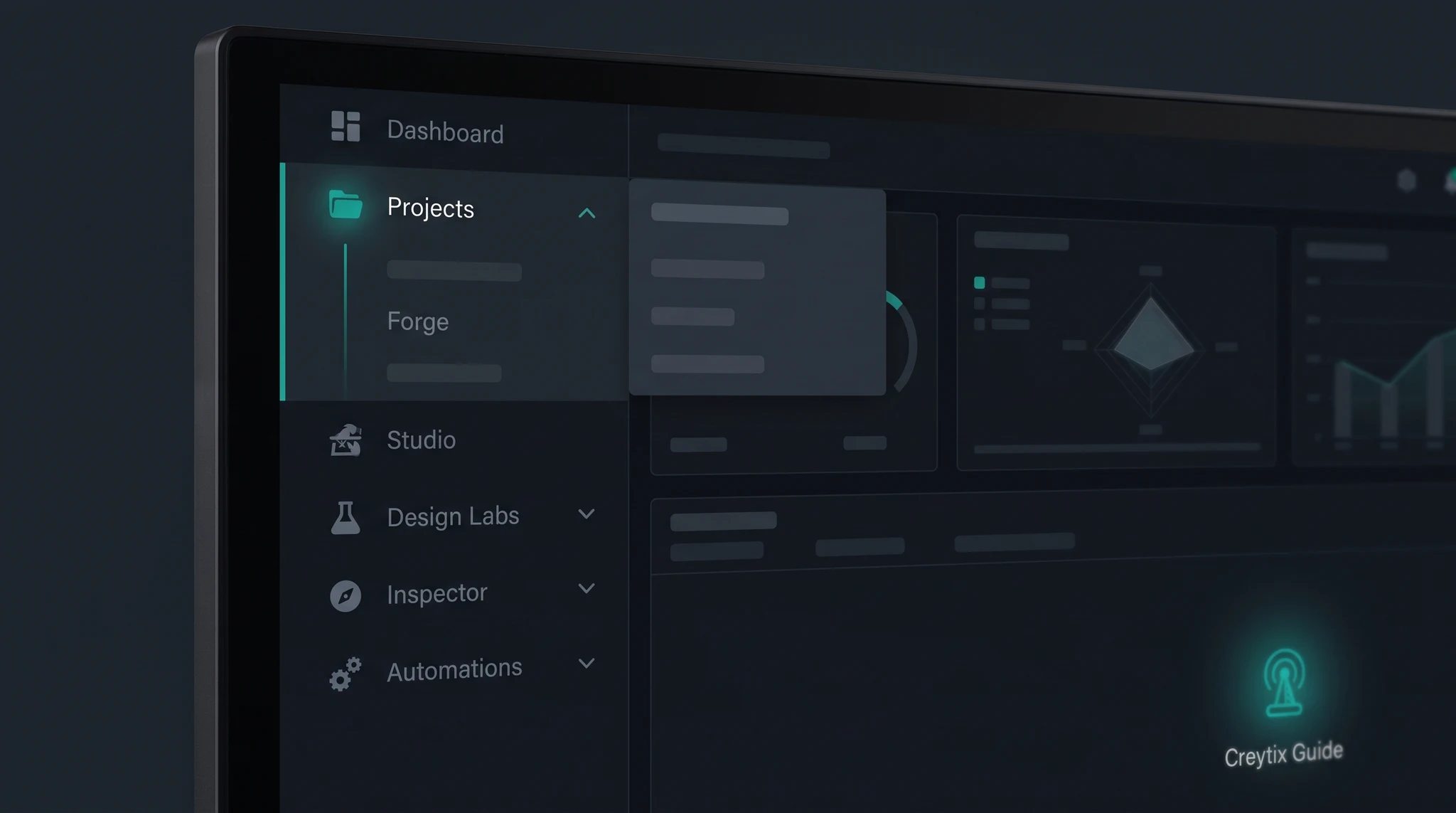
- Workspace-scoped module switcher — the eight departments always reflect the workspace you have open, not a global view.
- Team membership per workspace — teammates are added to the specific workspace they work in.
- Review-then-release pattern — the same approval-before-production shape used by Inspector and Ship applies to who can act inside a workspace.
Limits & honest scope
This is the area of the platform we'd rather under-promise on than over-describe.
- Fine-grained, per-feature role definitions (who can edit content but not send a campaign, for example) are still being built out. Today's model leans on workspace-level isolation more than deep in-workspace permission granularity.
- Self-serve workspace invites and a full audit trail of who-did-what are not yet documented as customer-facing flows — workspace and team setup currently runs through your Creytix team.
- If your organization has specific access-control requirements, raise them directly with your Creytix contact rather than assuming a specific role model exists today. Check the changelog as this area matures.