
Design Labs overview
Brand & design system — tokens, materials, and governance every route inherits.
Overview
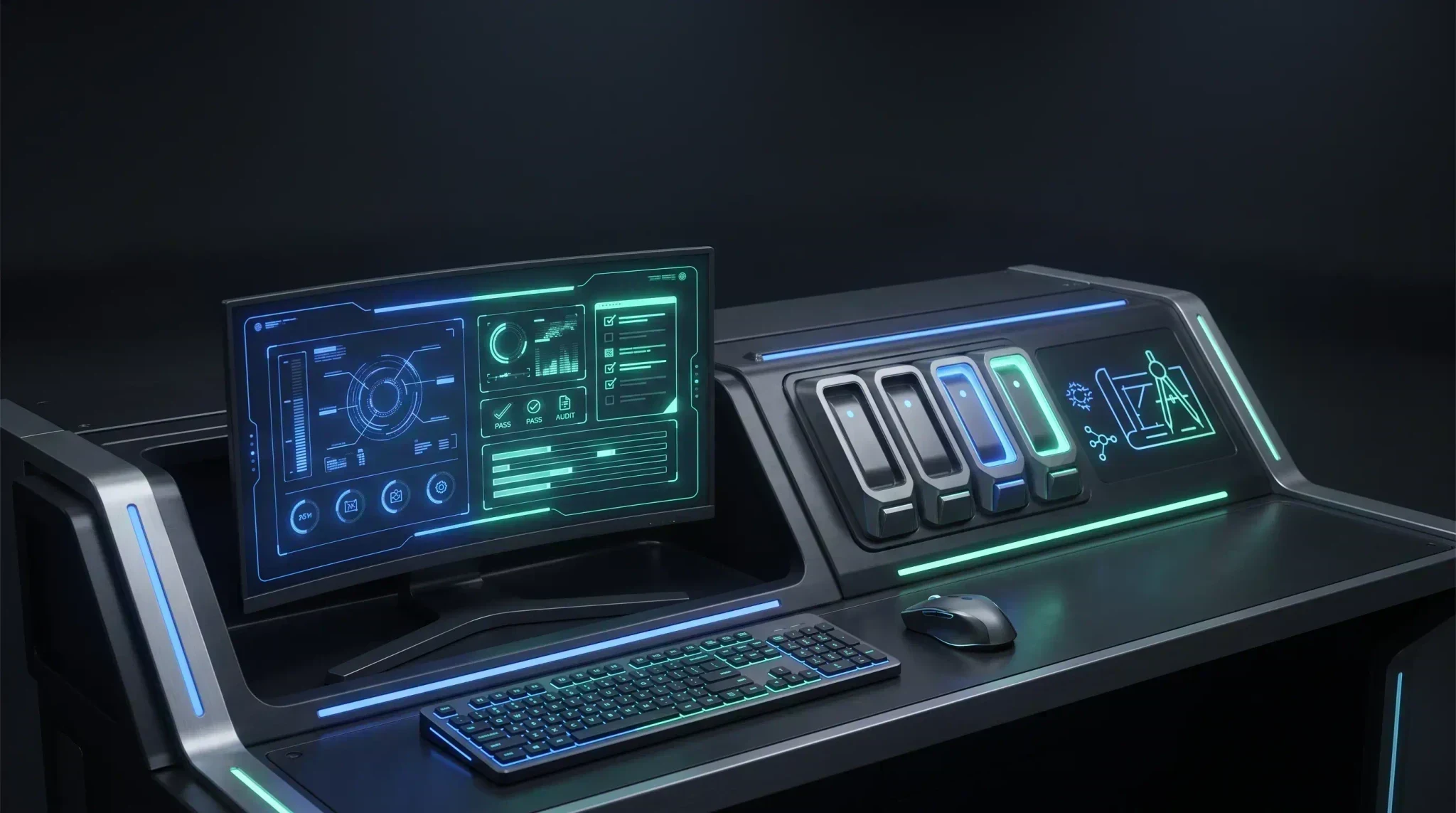
Creytix Design Labs is the brand and design system every route on your site inherits from — tokens, materials, and the governance that keeps a shared component from quietly drifting once ten sites depend on it.
| Creytix tool | Replaces |
|---|---|
| Creytix Design Labs | Manual design QA, Semrush-lite growth checks |
How it works
- Tokens & materials — color, type, spacing, and surface materials are defined once as the source of truth, and every route pulls from them instead of a copy baked into each page.
- Governance review — shared components go through a Design Labs pass before they're available to build with, so nothing ships half-checked into every site at once.
- Growth & AEO — Design Labs also runs the playbook library that keeps organic and answer-engine growth aligned with the same governance as the visual system.
Steps
- •
Open Design Labs
From the Creytix Control Panel, open Design Labs for your workspace.
- •
Review tokens & materials
Check the current token set and material families that drive your site's look.
- •
Check the component gallery
Before you build with a shared component, confirm it's reviewed and approved.
- •
Run a growth playbook
When you're ready to publish, pull a Growth & AEO playbook for the outcome you need.
Capabilities
- Tokens & materials as a single source of truth for color, type, spacing, and surface.
- Governance pass before shared components ship to production routes.
- Component gallery for browsing what's approved to build with.
- Growth & AEO playbook library, run under the same governance as the visual system.
Limits & honest scope
- Design Labs governs the shared system — it doesn't replace hands-on design work on a specific page; it's the guardrail layer around it.
- Not every surface is fully self-serve yet — the brand switcher is still building. The component gallery is live as the canon pack registry (
packages/creytix-sections/registry.json). - It's a code-native system, not a Figma-first workflow — expect to work in the workspace itself, not a separate design tool.