
Set up QA gates with Inspector
Wire pre-ship Protect and CI gates so bad deploys are blocked.
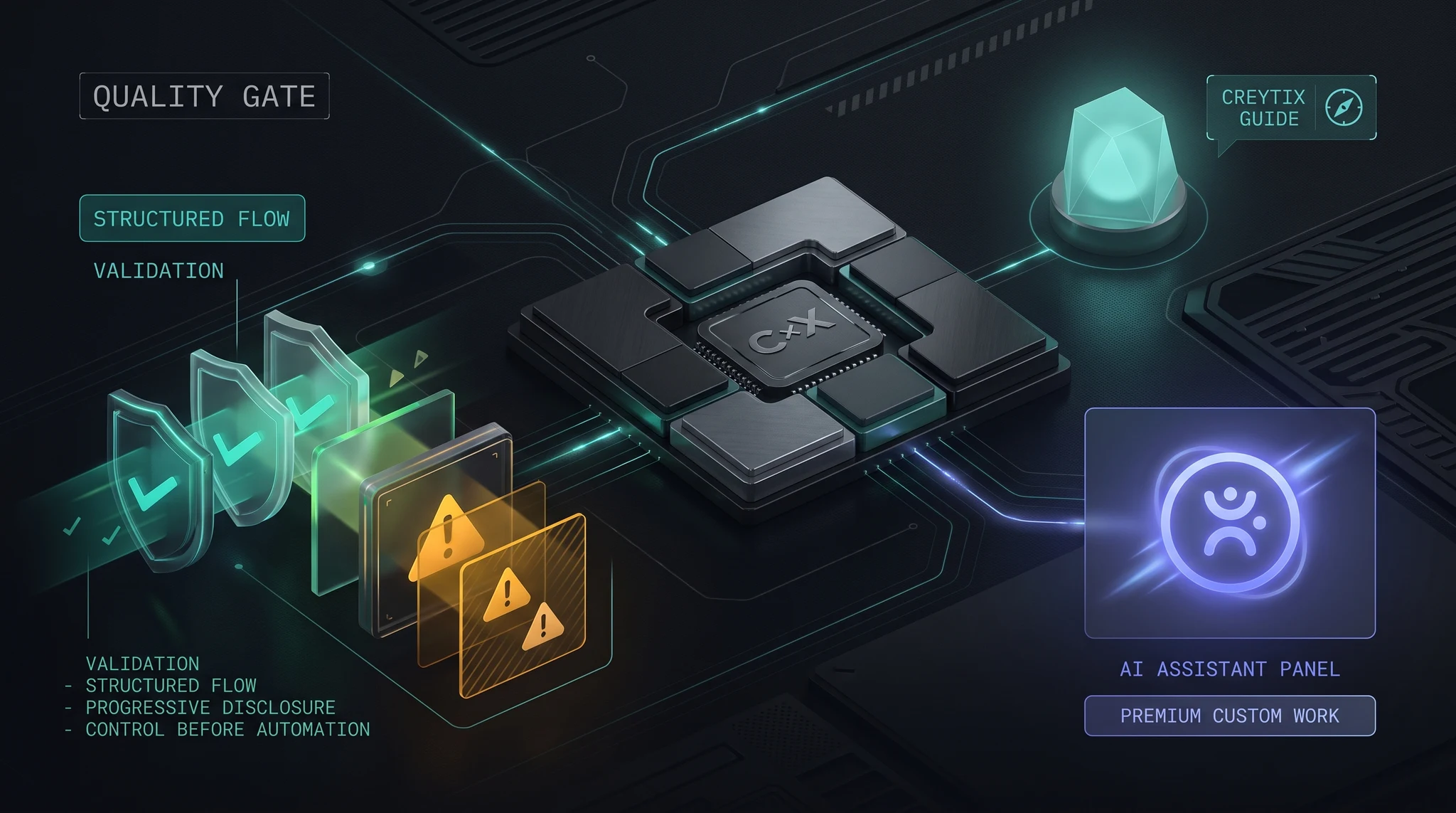
Overview
Creytix Inspector's job is to catch problems before they ship, not after. This guide wires the two pieces that make that real: Protect, the deterministic rule checks that run against your build, and the CI gate, which blocks a release if those checks come back dirty.
How it works
Every ship goes through the same two-stage gate:
- Protect runs a fixed set of rule checks — SEO basics, structured data, accessibility, and recipe conventions — against the build. These are deterministic checks, not AI judgment calls, so results are repeatable.
- The CI gate reads the Protect results and blocks the release if anything at or above your configured severity fails. Nothing ships past the gate silently.
If Protect flags something, you either fix it or make an explicit, logged decision to accept it — the gate never quietly waves a finding through.
Steps
- •
Turn on Protect for your workspace
From Inspector in the Creytix Control Panel, enable Protect for the site or workspace you want gated.
- •
Review the default rule set
Protect ships with a default set of SEO, schema, a11y, and recipe rules. Confirm it matches what your site actually needs before you start gating releases on it.
- •
Set your gate threshold
Decide which severities block a ship outright versus which ones just warn — critical findings should block; lower-severity ones can be informational at first.
- •
Wire the CI gate into your ship step
Connect the gate so it runs automatically as part of your release flow, ahead of Ship publishing anything.
- •
Triage flagged findings
When the gate blocks a release, work through the findings: fix the underlying issue, or explicitly accept the finding with a reason if it's a deliberate exception.
- •
Ship once clear
Once Protect comes back clean (or every finding is explicitly accepted), the release moves forward through Ship.
Capabilities
- Deterministic checks — SEO, schema, accessibility, and recipe rules that return the same result every run, not a probabilistic AI opinion.
- Hard gate, not a suggestion — the CI gate can actually block a release, not just log a warning nobody reads.
- Explicit accept, not silent skip — overriding a finding requires a logged decision, so nothing slips through by accident.
- Runs ahead of Ship — the gate sits before publish in the pipeline, so a bad build never reaches production in the first place.
Limits & honest scope
Inspector's gate is deliberately narrow today, and we'd rather you know the edges than find them mid-release.
- Protect is rule-only — it checks against known SEO, schema, a11y, and recipe rules. It doesn't do visual regression diffing or full user-journey testing yet.
- Full browser-driven smoke tests and journey checks (Playwright-based) are still in active development — they're not part of the gate yet, so plan a manual pass for critical user flows.
- Exposing Protect and report checks as tools for AI agents (an MCP server) is also still building — today the gate runs as part of your release flow, not as an agent-callable tool.
- The gate reports what it finds; it doesn't auto-fix issues for you.