
Control Panel tab routing
A navigation reference for every Control Panel surface.
Overview
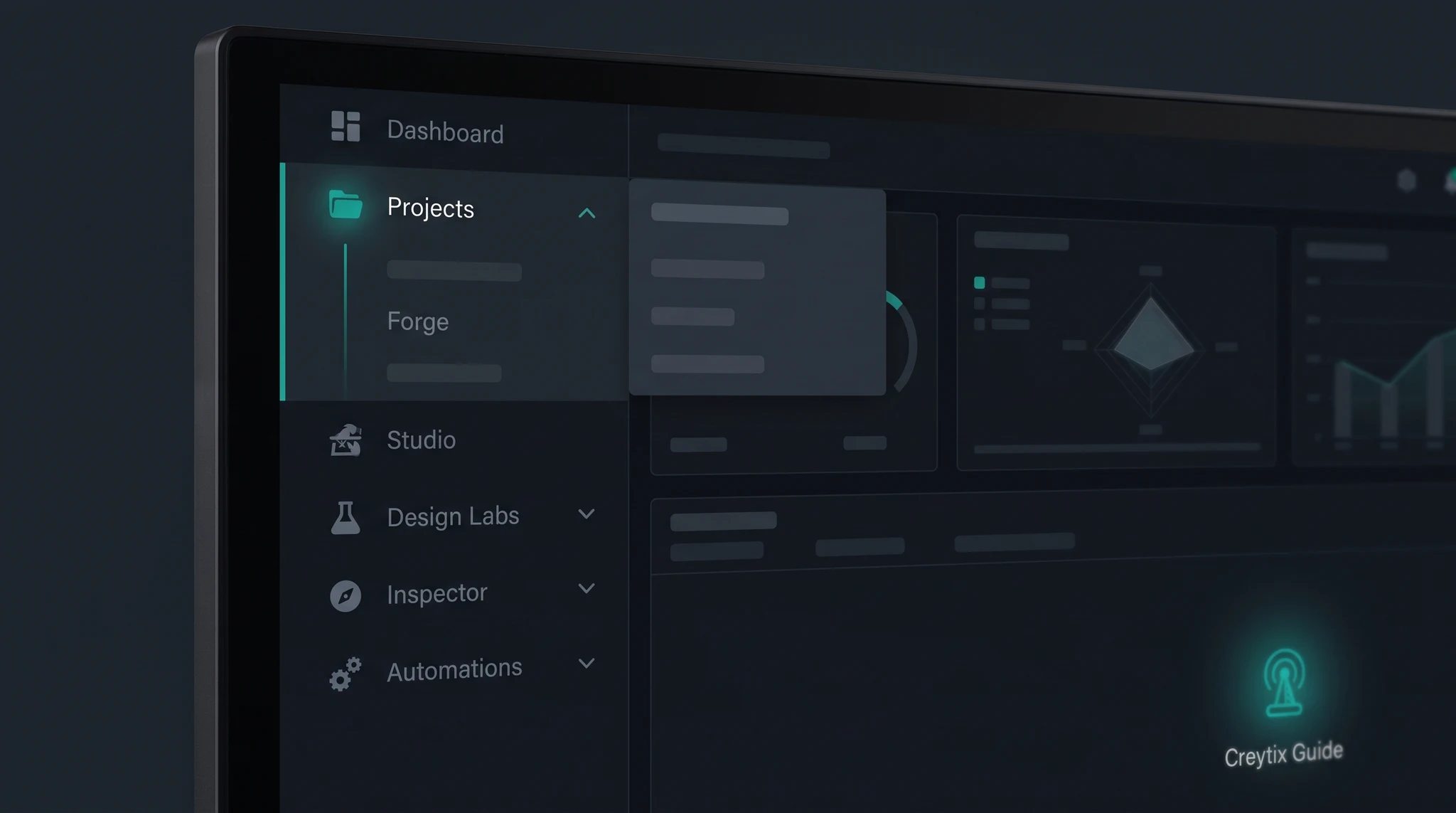
The Creytix Control Panel is where every department covered in these docs becomes a real place you can navigate to. Instead of memorizing URLs, you move through it section by section — Forge, Design Labs, Studio, Connect, Inspector, Prompt Guard, Ship, and Dev each get their own area in the same panel.
How it works
The Control Panel's navigation mirrors the eight-department structure used throughout the docs: pick a department from the sidebar, and it opens to the tools and settings that department owns. A Connect tool you read about in these docs, for example, lives inside the Connect section of the panel — not in a separate app.
Because navigation is consistent across departments, once you know how to find one tool in the panel, you know how to find the rest.
Steps
- •
Sign in to the Control Panel
Sign in to your workspace's Creytix Control Panel.
- •
Pick your workspace
If you have access to more than one workspace, select the one you want to work in.
- •
Open a department from the sidebar
Choose the department that matches the doc page you're following — Forge for intake, Connect for fleet tools, Inspector for QA, and so on.
- •
Use search to jump to a specific tool
If you know the tool by name (Creytix Mail, Creytix Scheduling, and so on), search for it directly instead of navigating department by department.
- •
Bookmark what you use often
Once you've navigated to a section you return to regularly, bookmark it in your browser so you can jump straight back.
Capabilities
- One navigation model for every department — Forge, Design Labs, Studio, Connect, Inspector, Prompt Guard, Ship, and Dev all sit in the same panel, laid out the same way.
- Searchable — you can find a specific tool by name without knowing which department it lives under.
- Bookmarkable — once you're on a section you use often, your browser's bookmark takes you straight back.
- Consistent across workspaces — the same navigation shape applies whichever workspace you're signed into.
Limits & honest scope
This page describes where things live in the Control Panel for a person navigating it — it isn't a public API for scripting deep links.
- We don't publish the underlying routing scheme (internal tab identifiers, query parameters) as a stable public contract — treat in-panel navigation as something you click through, not something you construct URLs against.
- Internal routing can change without notice; a bookmarked URL is a convenience, not a guaranteed permanent address.
- Some sections are labeled Preview or Building — they're visible in the panel, but the tool behind them may be limited exactly as described on its own doc page.